

Recent research shows that more than 43% of all websites now run on WordPress, and over 70% of new users prefer visual design tools to build their sites. This shift clearly highlights how user-friendly page-building solutions have become essential for beginners and professionals. While WordPress Block Themes offer flexibility, many users still look for more intuitive real-time editing capabilities. That’s where a wp drag and drop page builder makes a remarkable difference by giving you complete design control without touching a line of code. It simplifies website creation, enhances productivity, and lets you visually craft every section with ease.
In this blog, you will discover the top page builder tools, their standout features, and how they can help you build stunning websites effortlessly. By the end, you’ll know exactly which builder fits your needs and how to use it to design a beautiful, high-performing WordPress site.
What Is a WP Drag and Drop Page Builder?
A WP drag and drop page builder is a visual design tool that allows users to create and customize website pages by simply dragging elements like text, images, buttons, and sections into place. It removes the need for coding, making the entire process accessible to beginners and fast for experienced designers. These builders provide real-time previews, customizable blocks, and ready-made layouts that help users build professional-looking pages in minutes. With flexible styling options and seamless integration, they make designing a website easier, more interactive, and far more efficient than traditional theme or editor setups.
Benefits of Using Drag and Drop Page Builders
- A wp drag and drop page builder simplifies website creation by allowing real-time editing, helping beginners build professional pages quickly without technical knowledge.
- It speeds up workflow by offering pre-designed layouts, making customization faster for designers handling multiple client projects.
- Visual editing eliminates guesswork by showing instant changes, ensuring accuracy in design and layout adjustments.
- Mobile-responsive design tools guarantee that your pages look perfect and function smoothly across all device sizes.
- Built-in templates support consistent branding, helping businesses maintain their visual identity with minimal effort.
Key Features to Look for in a WP Drag and Drop Page Builder
- Choose a wp drag and drop page builder that offers intuitive UI so you can design faster without navigating complex settings.
- Ensure it includes responsive tools to adjust layouts for mobile, tablet, and desktop views effortlessly.
- Look for compatibility with major WordPress themes to avoid functionality conflicts and ensure a smooth design experience.
- Pick a builder with a rich template library for quick, highly customizable page creation.
- Confirm it integrates with WooCommerce, email platforms, and marketing tools for complete website flexibility.
Top WP Drag and Drop Page Builder Tools
When it comes to designing a WordPress website with ease, choosing the right WP Drag and Drop Page Builder can make all the difference. These tools allow you to create visually stunning pages without writing a single line of code, offering flexibility, speed, and a user-friendly interface. Many marketers enhance their campaigns by integrating landing page plugins for WordPress alongside a page builder to create high-converting, visually appealing landing pages quickly. In the following section, we’ll explore some of the top page builder tools that help you design your site efficiently while maintaining full creative control.
1. Elementor
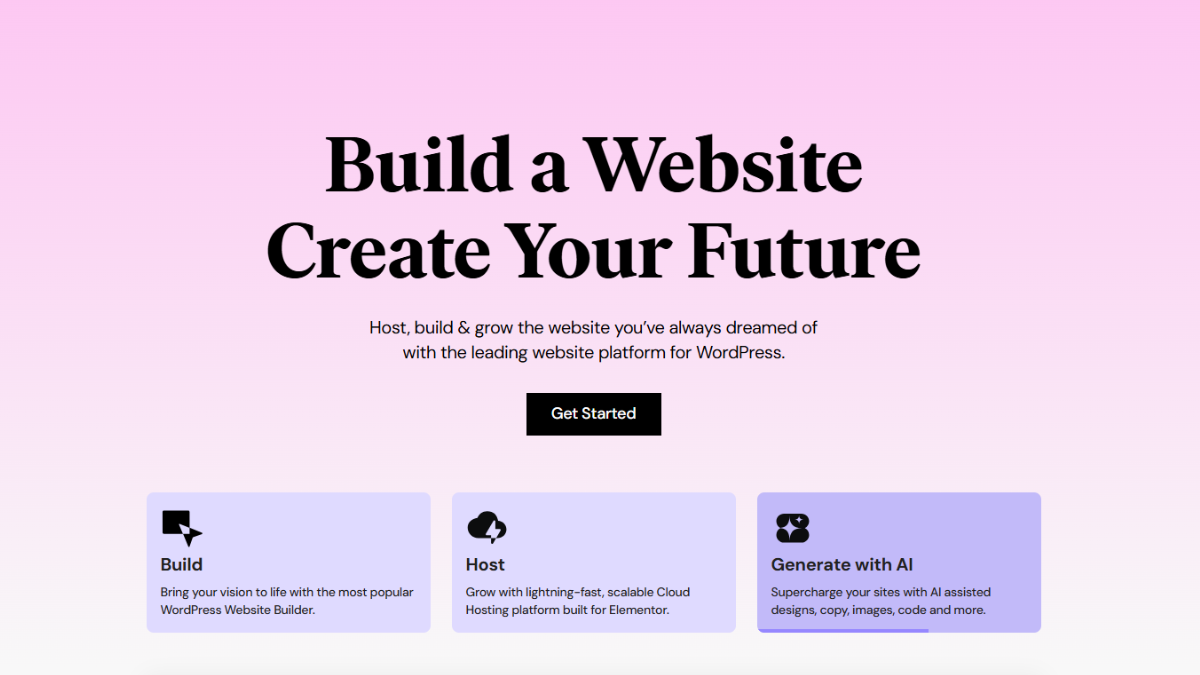
Elementor stands as one of the most popular choices for users seeking a powerful page builder with extensive customization options. With a smooth interface, real-time editing, and a vast library of templates, it helps users design visually appealing pages quickly. This builder also supports advanced styling, animations, and global design features. Professionals love its flexibility, while beginners appreciate its ease of use. It remains a top-notch page builder for all website types.
Benefits:
- Offers extensive widget and block selection
- Provides high-speed editing with real-time updates
- Includes global styling controls
- Works well with WooCommerce
- Supports custom CSS for advanced users
2. Beaver Builder
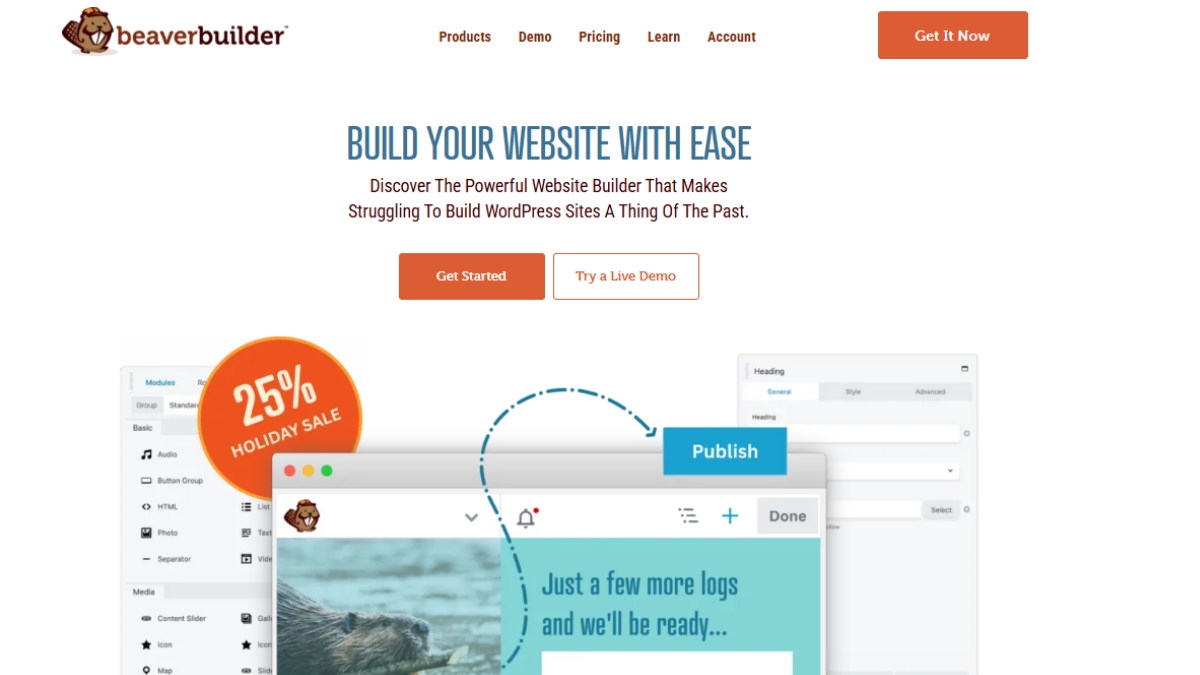
Beaver Builder is a reliable wp drag and drop page builder known for its stability and clean code output. It offers a user-friendly interface with modules that make page creation simple and highly flexible. This page builder is popular among developers because it integrates smoothly with most themes and plugins. Its pre-made templates and intuitive layout control help users design professional pages quickly. Overall, this page builder is ideal for agencies and freelancers.
Benefits:
- Clean, stable code output
- Beginner-friendly editing tools
- Seamless theme compatibility
- Developer-friendly with hooks
- Offers reusable templates for faster builds
3. Divi Builder
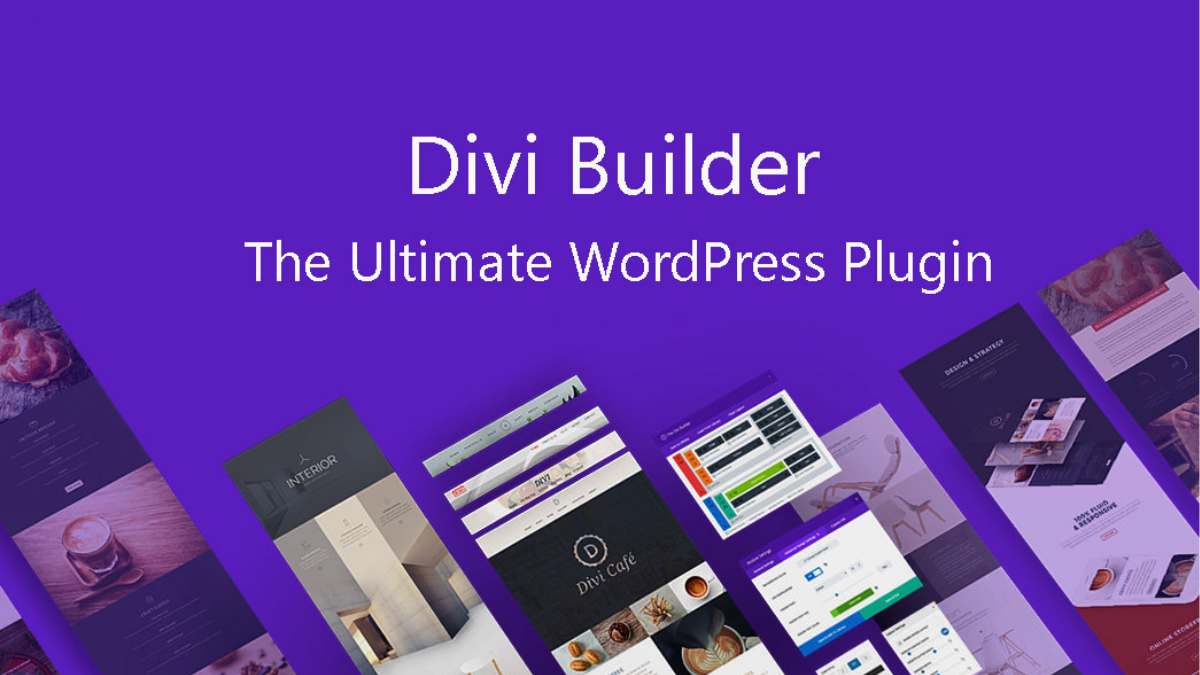
Divi Builder is a feature-rich page builder offering a unique visual editor that allows real-time customization. Its drag-and-drop modules, global elements, and powerful design controls make it ideal for designers seeking advanced visual flexibility. This page builder includes hundreds of templates suitable for any niche. From animations to layout presets, it supports deep customization. Users love how this page builder combines simplicity with design sophistication.
Benefits:
- Highly visual real-time editing
- Built-in A/B split testing
- Large library of templates
- Global design system for consistency
- Strong community and support
4. WPBakery Page Builder
WPBakery Page Builder is a classic wp drag and drop page builder that supports both front-end and back-end editing, making it versatile for different workflow styles. With numerous add-ons available, it offers extensive design flexibility. This page builder integrates seamlessly with most themes, especially premium ones bundled with it. Its modules, grid builder, and styling tools help users craft visually appealing pages efficiently. Overall, this page builder remains a widely used tool in the WordPress ecosystem.
Benefits:
- Supports both backend and frontend editing
- Large add-on ecosystem
- Strong compatibility with premium themes
- Flexible grid builder for layouts
- Good for beginners and developers
5. SeedProd

SeedProd is a lightweight page builder mainly focused on landing page creation. Ideal for marketers, it offers conversion-driven templates, countdown timers, opt-in forms, and other sales-focused tools. This page builder ensures fast performance by generating optimized pages. Its integration with email marketing platforms makes it a strong tool for campaigns. Whether you’re building coming-soon pages or funnels, this wp drag and drop page builder guarantees professional results.
Benefits:
- Offers high-converting landing page templates
- Integrates with major email tools
- Fast-loading, optimized design
- Beginner-friendly interface
- Strong marketing-focused modules
6. Brizy
Brizy is a modern wp drag and drop page builder known for its clean interface and simple, clutter-free editing experience. Users enjoy designing visually rich pages with its intuitive tools and stylish pre-built blocks. This page builder offers cloud saving, making design work accessible across devices. Its dynamic content and global styling controls make customization fast and efficient. Overall, Brizy stands out as a sleek and easy-to-use page builder.
Benefits:
- Clean, minimalist editing interface
- Offers stylish pre-designed blocks
- Includes cloud support
- Easy global styling options
- Great for beginners and small businesses
Comparison Table of the Best Page Builders
| Page Builder | Best For | WooCommerce Support | Unique Highlight |
| Elementor | All users | Yes | Advanced styling tools |
| Beaver Builder | Agencies | Yes | Clean code output |
| Divi Builder | Designers | Yes | A/B Testing built-in |
| WPBakery | Theme users | Yes | Backend + frontend editor |
| SeedProd | Marketers | Yes | Landing page focus |
| Brizy | Beginners | Yes | Cloud workspace |
How to Choose the Right Page Builder for Your Website
- Pick a wp drag and drop page builder based on your skill level so you can design pages without unnecessary complexity.
- Check theme compatibility to ensure every builder feature works smoothly with your site’s layout.
- Consider the type of website you want, business, blog, portfolio, and match the builder’s templates accordingly.
- Look at integration options to ensure support for email tools, eCommerce, and marketing platforms.
- Compare performance and loading speed to avoid slow pages that affect user experience.
Conclusion
A WP Drag and drop page builder has transformed the way WordPress websites are created, making it easier for both beginners and professionals to design visually appealing and functional pages without coding. These builders offer flexibility, real-time editing, and a wide range of pre-designed templates, allowing you to craft unique websites quickly. Whether you are building a blog, portfolio, or eCommerce store, using the right page builder ensures your site looks professional and functions smoothly. Pairing your builder with a WordPress Theme Bundle gives you access to multiple premium themes, enabling seamless customization and consistent branding across all your pages. Combining a powerful page builder with a versatile theme collection helps you save time, maintain design flexibility, and create high-performing websites effortlessly. Embracing these tools allows you to focus on creativity and user experience, ultimately building a site that stands out in today’s competitive digital landscape.
Frequently Asked Questions (FAQs
A drag and drop page builder is a visual tool that allows you to design web pages by moving elements like text, images, and buttons into place without coding knowledge.
Yes, most modern page builders feature intuitive interfaces, pre-designed templates, and real-time previews, making them accessible even for users with no technical background.
While many builders work with a wide range of themes, it’s always best to check compatibility, especially if using premium or custom-built themes, to avoid layout or styling issues.
Some page builders can slightly impact performance if overloaded with heavy elements or animations. Choosing lightweight builders and optimizing images can help maintain fast loading speeds.
Absolutely. Many page builders offer WooCommerce integration, allowing you to design product pages, landing pages, and checkout flows without coding.
Yes, there are several Free WordPress Page Builder options and free versions of premium tools that let you create functional and visually appealing pages.
Consider your skill level, the type of website, template availability, performance, and integrations. Also, ensure the builder supports responsive design and is compatible with your chosen WordPress theme.