

Recent research shows that over 1/3rd of all websites online run on WordPress, and more than 70% of beginners prefer drag-and-drop builders to simplify the design process. As digital presence becomes essential for businesses and personal brands, the demand for easy-to-use design tools continues to grow rapidly. Many new creators struggle with complex coding, inconsistent layouts, and slow design workflows. This is where the concept of a website builder for WordPress becomes a complete game-changer.
In today’s evolving web landscape, website builders empower beginners to design professional-looking websites without technical skills. Combined with the rise of WordPress Block Themes, users can now visually build entire websites using blocks, templates, and customizable components. These modern tools remove the need for manual CSS or HTML while still delivering freedom and creative control.
By reading this complete guide, you will learn how WordPress builders work, which ones suit your needs, how to choose the best tool, and how to start designing your site step by step. This blog equips you with everything required to build a beautiful and functional website confidently.
What Is a Website Builder for WordPress?
A website builder for WordPress is a visual design tool that allows beginners to create and customize web pages without writing code. It offers drag-and-drop editing, pre-made blocks, templates, and layout options that simplify the website-building process. Instead of manually adjusting PHP, HTML, or CSS, users can design pages visually in real time. These builders integrate directly with WordPress, enabling faster workflows and intuitive customization. They make website creation accessible to small businesses, creators, and personal brands. With a builder, anyone can craft a professional site that fits their goals and style effortlessly.
Benefits of Using a Website Builder in WordPress
- Drag-and-drop editing lets beginners design pages visually, making the website builder for WordPress simple, flexible, and extremely user-friendly.
- Pre-made templates help users launch websites quickly with consistent layouts across all pages.
- Real-time editing allows instant design adjustments without refreshing or switching between screens.
- Mobile-responsive elements ensure every page looks great across all devices automatically.
- Easy customization options eliminate the need for coding while maintaining a professional look.
Top Website Builder Options for WordPress
1. Gutenberg (Block Editor)
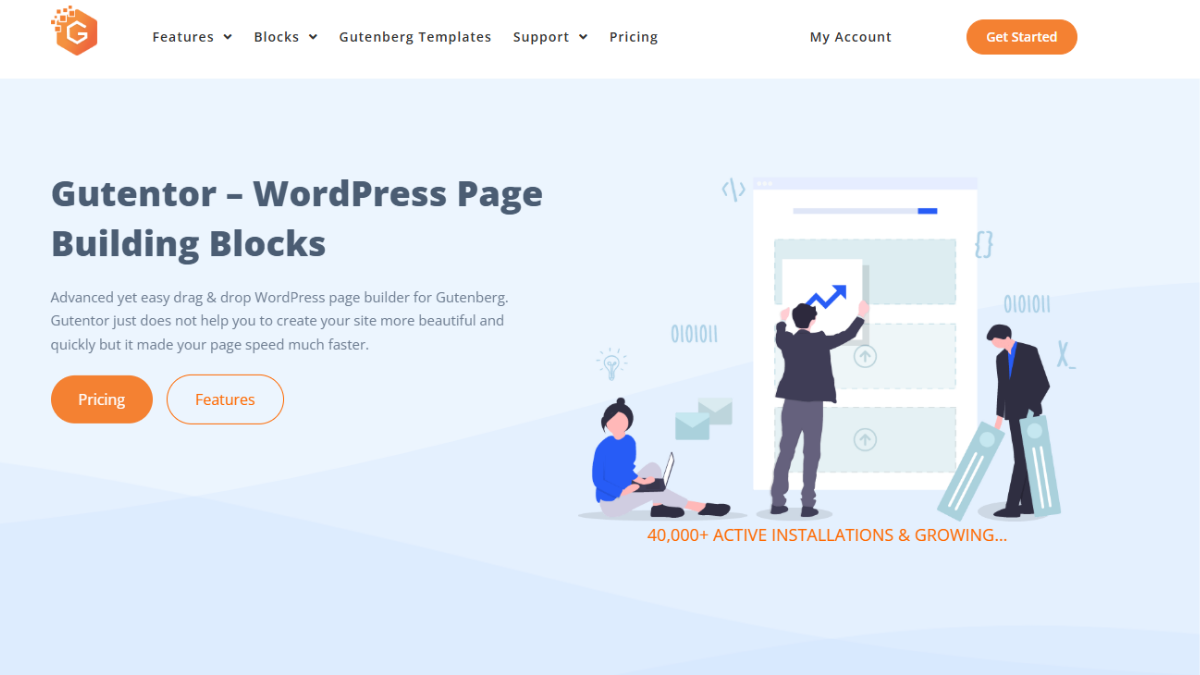
Gutenberg is WordPress’s native block-based editor designed for modern, intuitive site creation. As a website builder for WordPress, it offers a seamless editing experience with blocks for text, images, buttons, and full-page layouts. Its lightweight structure ensures excellent performance, making it ideal for beginners seeking speed and simplicity. Gutenberg also works perfectly with free WordPress site builder themes and advanced block plugins. With the rise of block-based design, it integrates smoothly with WordPress Block Themes for complete visual site customization. This builder focuses on clean layouts, fast workflows, and secure, native editing.
Benefits:
- Lightweight and optimized for fast performance
- Native WordPress integration for easy use
- Works seamlessly with Block Themes
- Offers reusable blocks for consistency
- No extra plugin required
2. Elementor

Elementor is one of the most popular website builder for WordPress tools, offering a powerful drag-and-drop interface that allows beginners to design visually stunning websites. It includes hundreds of templates, widgets, and design elements to create business sites, portfolios, blogs, and online stores. Elementor supports global styling, responsive controls, and third-party integrations, making it a complete design ecosystem. Its intuitive interface makes it a top choice for anyone seeking a wp drag and drop page builder. With built-in motion effects, form builders, and theme-building capabilities, Elementor provides endless flexibility for creative users.
Benefits:
- Extensive template and widget library
- Advanced design controls, including animations
- Responsive editing for all devices
- Integrates with WooCommerce and marketing tools
- Beginner-friendly interface
3. Divi Builder
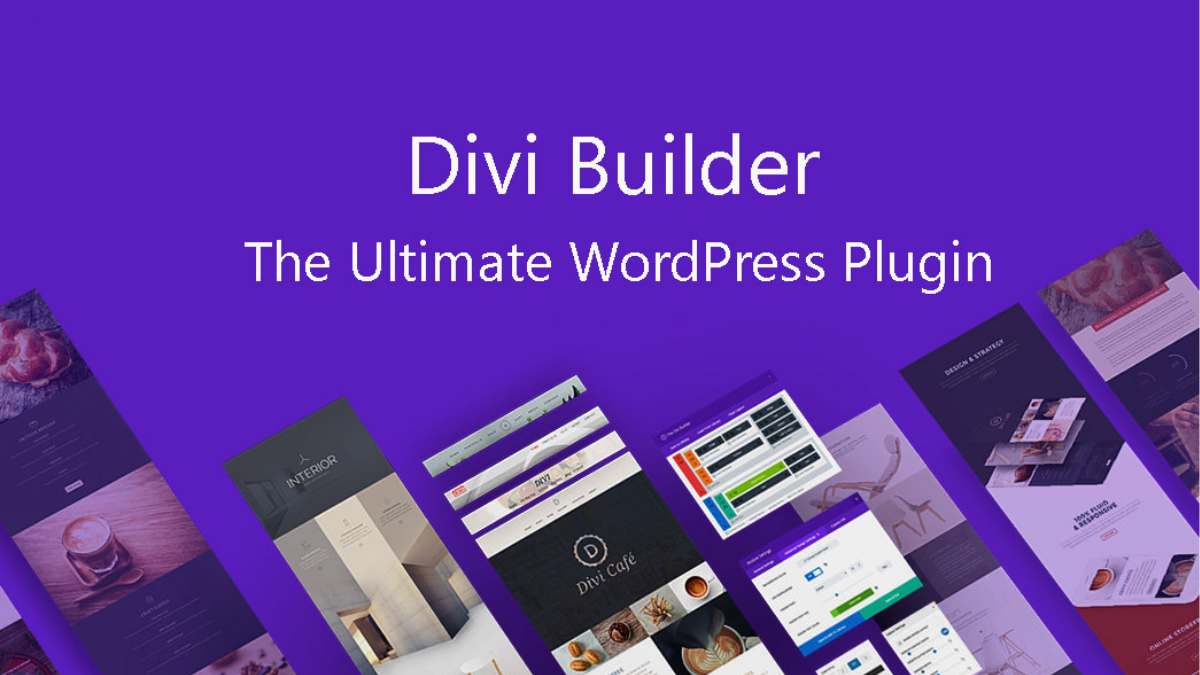
Divi Builder combines a theme and a visual builder into one powerful solution. As a leading website builder for WordPress, it features real-time editing, global elements, and an impressive template library. Users can design full websites with ease using Divi’s intuitive drag-and-drop interface. Its built-in A/B testing tool gives it an edge for marketers and business owners. Divi focuses on customization and creativity, enabling users to personalize every section effortlessly. Whether you’re creating a business website or blog, Divi offers the scalability and flexibility needed for long-term growth and stunning design results.
Benefits:
- Real-time front-end editing
- Large library of pre-made designs
- Advanced customization with global styles
- Comes bundled with the Divi Theme
- Built-in marketing and split-testing features
4. SeedProd
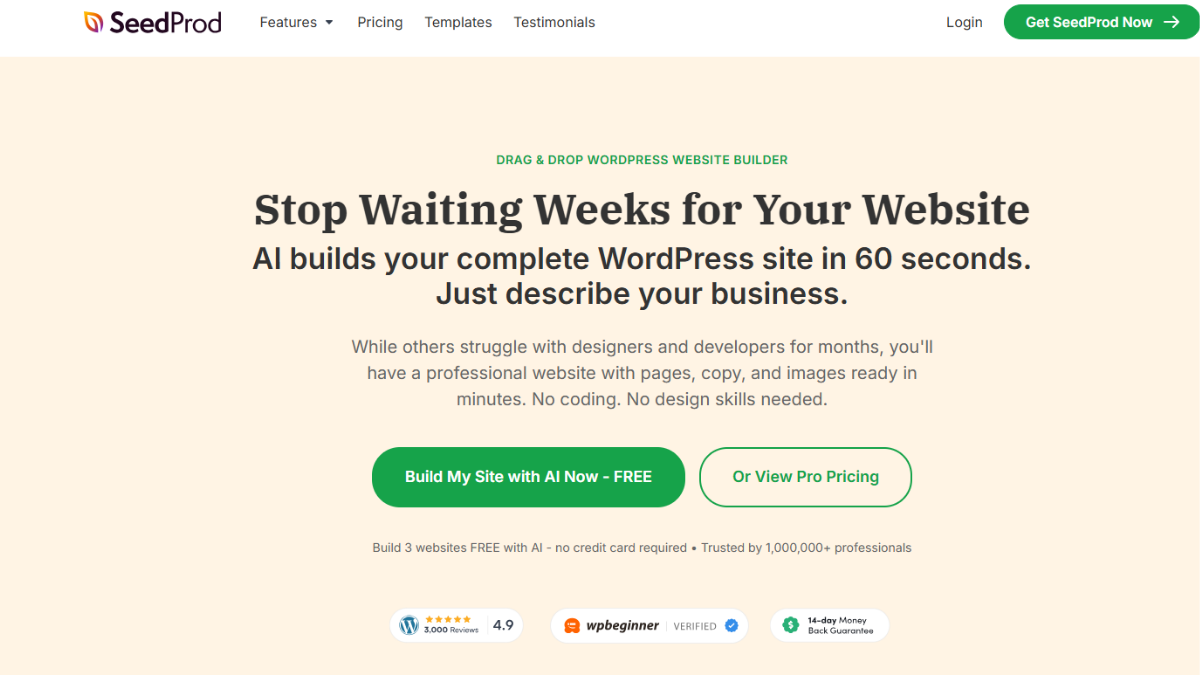
SeedProd is a lightweight, high-performance website builder for WordPress, ideal for landing pages, sales funnels, coming soon pages, and full website creation. It offers a simple drag-and-drop interface with professionally designed templates tailored for conversions. SeedProd integrates with major email marketing platforms and works efficiently with any WordPress theme. It includes powerful features like domain mapping, access controls, and theme-building tools. Its streamlined features make it a favorite among entrepreneurs and marketers looking to build high-converting pages quickly and easily.
Benefits:
- Optimized for speed and conversions
- Simple drag-and-drop interface
- Integrates with major email platforms
- Offers landing page–focused templates
- Supports theme building and branding
5. Beaver Builder
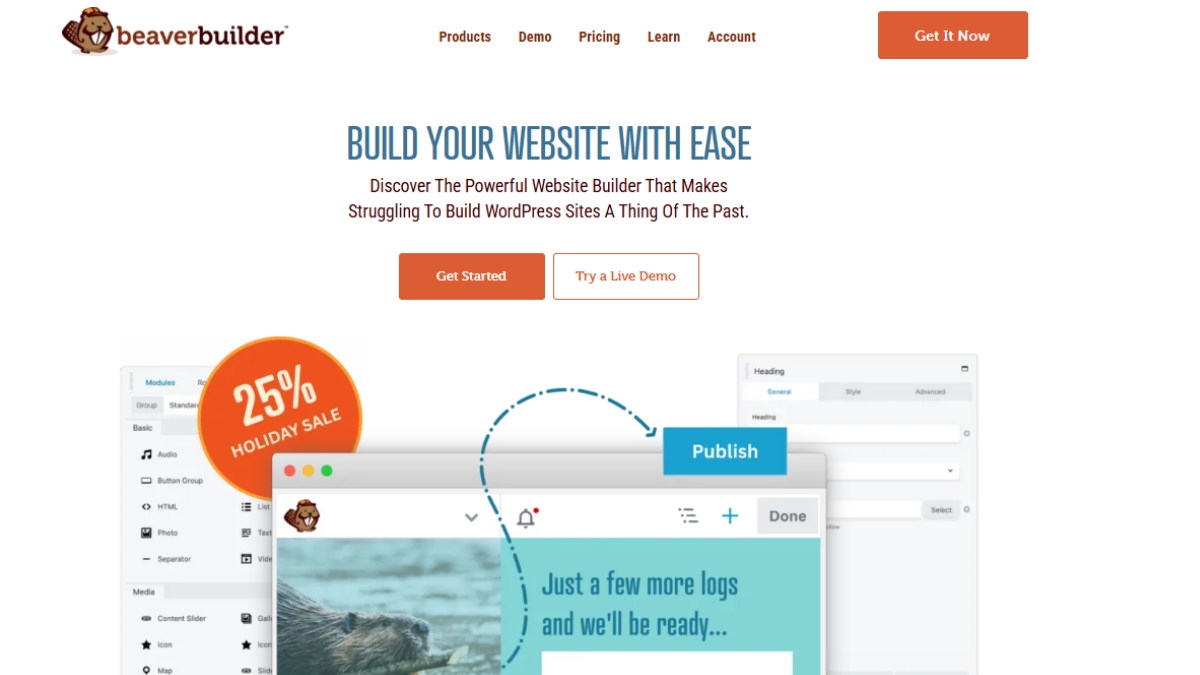
Benefits:
- Reliable performance with clean code
- Compatible with most WordPress themes
- Beginner-friendly interface
- Offers reusable templates
- Excellent support and documentation
6. Breakdance or Bricks (Optional)
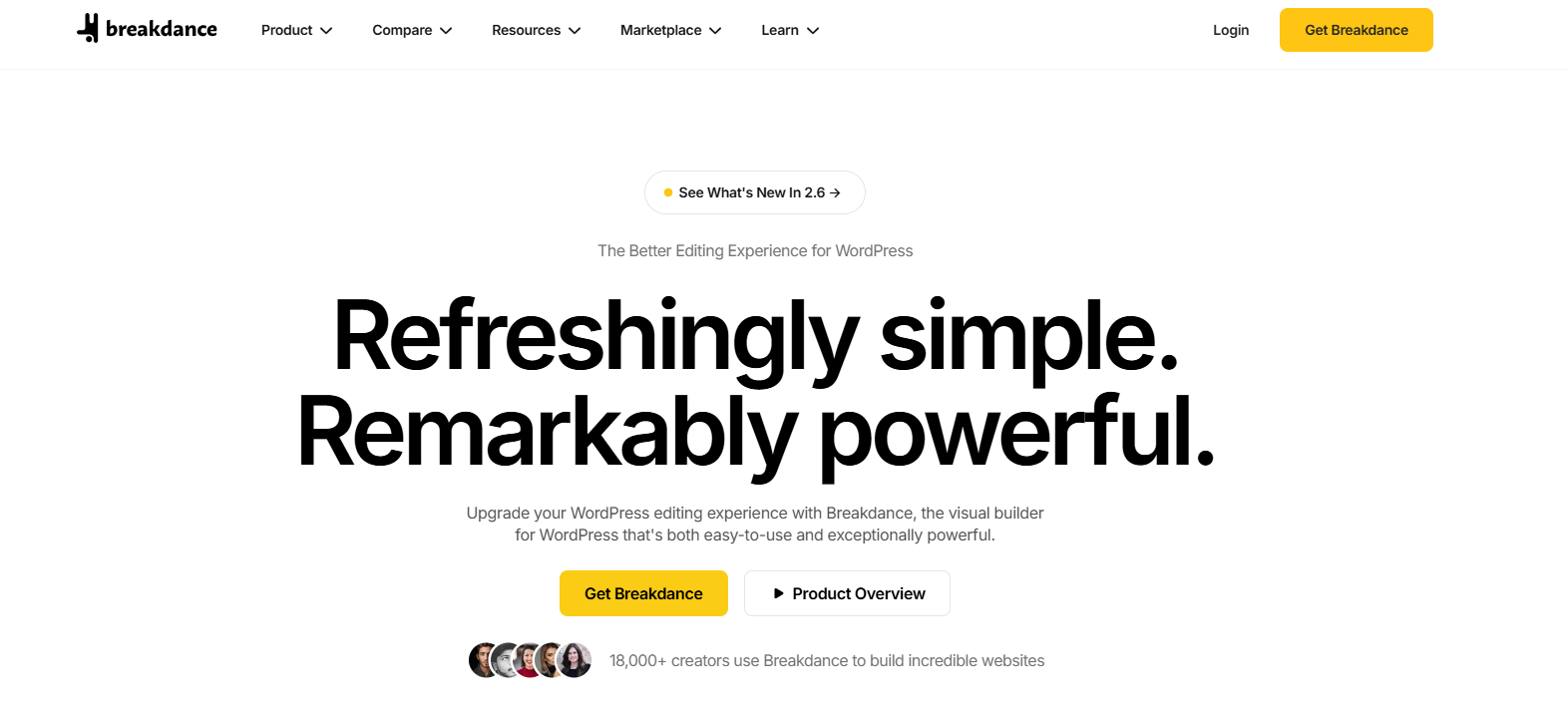
Breakdance and Bricks are modern builders gaining rapid popularity as powerful website builder for WordPress options. They deliver advanced design freedom with flexible visual interfaces, responsive controls, and highly optimized performance. These builders cater to users who want clean, fast-loading websites without sacrificing creativity. They offer global styling, dynamic content support, WooCommerce integration, and extensive design modules. Their lightweight structure makes them appealing for developers and creators who want speed, stability, and deep customization capabilities. With impressive innovation, both Breakdance and Bricks continue to rise as strong next-generation page builders.
Benefits:
- Fast performance with lightweight structure
- Highly customizable design features
- WooCommerce-friendly
- Advanced global styling tools
- Developer-friendly flexibility
How to Choose the Best Website Builder for Your WordPress Site
- Consider your skill level: Choose a Website Builder for WordPress that matches your comfort with design tools and technical tasks.
- Identify your website goals: Determine whether you need a blog, business site, portfolio, or online store to find the right builder.
- Check performance requirements: Select a builder that prioritizes speed, clean code, and optimized page structure.
- Review theme compatibility: Ensure the builder integrates smoothly with your preferred theme and plugins.
- Evaluate pricing and features: Compare plans, templates, modules, and support options before committing.
Step-by-Step Guide: How to Use a Website Builder on WordPress
Install WordPress on your host: Install WordPress through your hosting dashboard and connect your domain properly. This step sets the foundation for using a Website Builder for WordPress and customizing your future website layout.
- Choose and install your preferred builder: Select a website builder for WordPress based on your design needs, install it like a normal plugin, and activate it to begin building visually without coding.
- Select a compatible theme: Choose a theme designed for visual builders to ensure smooth performance, clean design, and full customization support across all page layouts and templates.
- Start building pages using blocks/elements: Use drag-and-drop blocks or elements to assemble your content visually. Add text, images, buttons, and sections while seeing changes instantly in real time.
- Customize fonts, colors, and layouts: Adjust typography, color palettes, spacing, and layout structure to match your branding. Use global styling settings for consistent visual identity across the site.
- Add images, buttons, and sections: Enhance your pages by adding media, CTAs, galleries, and structured sections. This ensures your website remains engaging, functional, and visually appealing.
- Preview and publish your site: Review your site before publishing to ensure no element is misaligned. Test responsiveness, fix layout issues, and then publish confidently.
Common Mistakes Beginners Should Avoid
- Installing multiple builders simultaneously
- Ignoring mobile responsiveness
- Using heavy templates that slow the site
- Forgetting to create backups
- Selecting incompatible themes
| Builder | Editor Type / Approach | Best For / Ideal Use-Case | Performance / Speed |
| Gutenberg (Block Editor) | Native block-based editor (built into WordPress) | Simple blogs, content sites, fast setup, Block-theme sites | Very fast & lightweight |
| Elementor | Visual drag-and-drop page & theme builder | Business sites, portfolios, online stores, full custom designs | Moderate–good (depends on use) |
| Divi Builder | Visual drag-and-drop + full-theme builder | Users needing end-to-end design (theme + pages), customize everything | Moderate |
| SeedProd | Lightweight drag-and-drop builder (focus on landing pages & full site building) | Landing pages, coming-soon pages, minimalist sites, conversion-focused sites | Very fast & optimized |
| Beaver Builder | Drag-and-drop page builder (stable, modular) | Agencies, business sites, blogs needing clean code and stable build | Good (clean code base) |
| Breakdance / Bricks | Modern drag-and-drop + advanced visual builder (lightweight & fast) | Developers, performance-focused sites, custom designs, WooCommerce sites | Excellent (lightweight & optimized) |
Conclusion
Choosing the right tool is essential for building a professional, fast, and visually appealing website. A powerful Website Builder for WordPress ensures that even beginners can design stunning pages using drag-and-drop simplicity, intuitive customization, and pre-designed templates. These builders eliminate technical barriers and empower users to create websites that reflect their goals and branding perfectly. Whether you want a blog, portfolio, business site, or online store, the right builder will streamline your workflow and enhance your creative freedom. To further simplify your design journey, explore a WordPress Theme Bundle, which provides multiple premium themes in one package, ensuring flexibility, speed, and design consistency. With the right combination of tools, features, and themes, you can create a polished and professional WordPress website that stands out and performs exceptionally well.
Frequently Asked Questions (FAQs)
Which is the best website builder for WordPress for complete beginners?
For absolute beginners, Gutenberg (Block Editor) and Elementor are the easiest to start with. Gutenberg is built into WordPress and requires no extra setup. Elementor offers drag-and-drop editing, hundreds of templates, and an intuitive interface, making it perfect for users with no technical experience.
Do I need coding knowledge to use a WordPress website builder?
No, you don’t need any coding knowledge. Most WordPress website builders use drag-and-drop editors that let you design pages visually. However, having basic CSS knowledge can help you customize layouts further, but it’s not required.
Is Gutenberg better than Elementor or Divi?
Gutenberg is faster and more lightweight since it’s built directly into WordPress. However, Elementor and Divi offer more advanced design flexibility, animations, templates, and full theme-building features. Your choice depends on whether you prefer simplicity (Gutenberg) or creative freedom (Elementor/Divi).
Can I switch website builders after building my site?
You can, but it’s not always easy. Most builders leave behind shortcodes or HTML markup, which may require cleanup. It’s best to choose your builder carefully at the beginning to avoid rebuilding pages later.
Do website builders affect my site speed?
Yes. Some builders add extra scripts and styling, which can slow down your site if overused. Gutenberg, Beaver Builder, and Bricks are lighter options, while Elementor and Divi may require optimization practices like caching and image compression to maintain speed.
Are free WordPress website builders good enough for small businesses?
Yes. Free versions of Gutenberg, Elementor, Beaver Builder, and SeedProd offer enough features to build professional-looking websites. However, for advanced design control, marketing tools, and theme-building, upgrading to a paid version can significantly improve your website’s capabilities.