

Recent research highlights remarkable growth in the website building ecosystem over 43.2% of all websites worldwide run on WordPress, and the number continues to rise exponentially due to businesses shifting online rapidly. A large portion of new WordPress users are beginners and small business owners seeking affordable solutions to build professional websites without writing code. According to market surveys, more than 68% of users prefer visual editors instead of traditional development-based workflows, which directly increases the demand for easy-to-use Free WordPress Themes and tools that simplify web design. This shift clearly reflects how accessibility and innovation play a huge role in the popularity of online business creation today.
For users who lack technical skills, choosing a reliable design tool becomes essential for building effective websites with professional layouts, responsive structures, and modern customization options. However, selecting the right platform can feel confusing, especially when different builders offer varied features and performance levels. A high-quality free wordpress site builder allows beginners to create visually stunning pages using drag-and-drop elements without needing coding knowledge. This blog aims to solve the confusion by offering a detailed comparison of the top free builders, expert guidance on selecting the best tool, and a complete overview of essential features to help readers build and launch a successful website easily.
What Is a WordPress Site Builder?
A WordPress site builder is a powerful visual editing tool designed to help users build webpages without needing programming expertise or complex development processes. Instead of manually writing code, users simply drag and drop elements such as text, images, buttons, and video blocks to form structured website layouts. These builders work directly inside the WordPress dashboard and provide real-time visual editing capability, so every design change can be seen instantly. Many users prefer this approach because it significantly speeds up the website creation process and reduces the dependency on professional designers or advanced development skills.
The main role of a site builder is to simplify website creation, improve creativity, and offer ready-made templates for different industries such as events, business, portfolio, eCommerce, and blogs. A high-quality free wordpress site builder typically includes responsive design controls, theme compatibility, layout customization, and widget- or block-based structures for flexible styling. Page builders integrate seamlessly with plugins and themes, enabling users to build landing pages, product showcases, sales funnels, or full multi-page websites. With this level of convenience and customization, even beginners can create polished websites that meet professional standards without investing in premium software or paid services.
How to Choose the Best Free WordPress Site Builder
- Ease of Use : Look for a builder with a user-friendly visual editor that allows seamless drag-and-drop design functionality. Beginners should be able to build layouts instantly without studying complex tutorials or technical steps. An intuitive interface reduces learning time and creates a smooth creative workflow.
- Template & Block Availability : Choose a tool that offers a vast library of pre-designed templates and layout blocks. These help users quickly create professional sections without designing from scratch. Templates save time and provide structure for industry-specific website needs.
- Performance & Page Speed : Select a builder that is lightweight and optimized for fast loading speed, as slow sites can negatively affect SEO and user experience. The best option ensures minimal impact on performance, even after adding multiple elements and visual effects.
- Plugin & Theme Compatibility : The builder should work smoothly with popular WordPress plugins such as contact forms, SEO tools, eCommerce platforms, and caching systems. Compatibility prevents design conflicts and ensures long-term stability while scaling the website.
- Responsive Editing Tools : Ensure the builder offers features that allow customization separately for desktop, tablet, and mobile devices. This guarantees flawless browsing experience since most website traffic today comes from mobile visitors.
- Upgrade Path Options : Select a free wordpress site builder that allows easy upgrades to premium features when your website grows. This ensures scalability with advanced features like theme building, popup builders, and dynamic content.
Best Free WordPress Site Builders
WordPress Site Builders offer powerful drag-and-drop tools that help users create professional websites without coding. They include templates, responsive design options, and visual editing features, making website building simple and fast. Ideal for beginners and small businesses, these builders provide flexibility and customization at zero cost.
Beaver Builder
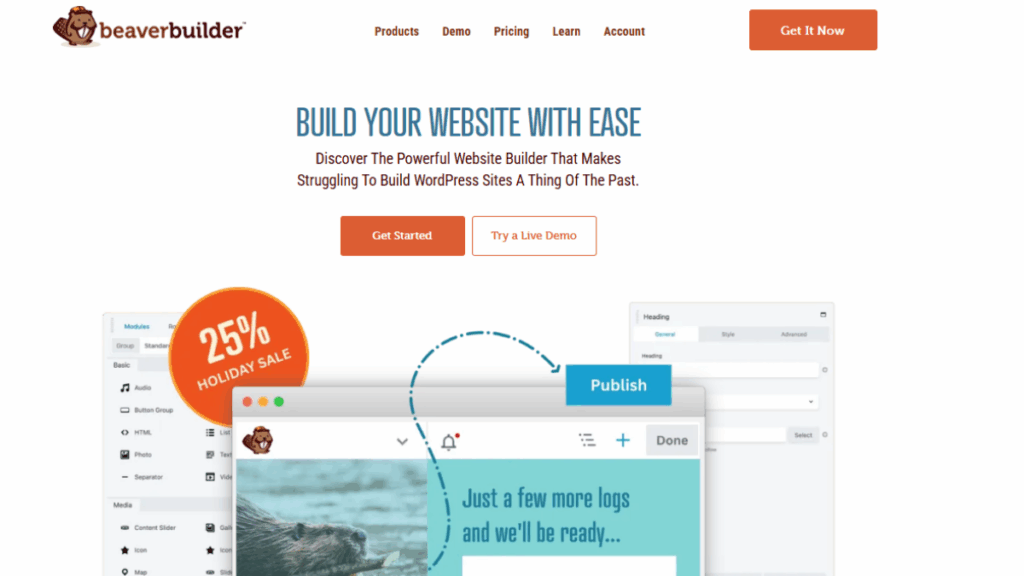
Beaver Builder is a powerful and beginner-friendly drag-and-drop page builder designed to help users create websites easily with real-time editing features and responsive layouts. Known for its lightweight architecture and smooth performance, it ensures fast page speed and seamless compatibility with most WordPress themes. This free wordpress site builder is ideal for small business sites, landing pages, and service-based portfolios. It provides flexible layout controls and clean code output, making it suitable for both beginners and advanced users who want professional results without design complexity.
Key Features
- Supports advanced layout flexibility with adjustable columns, rows, and background elements, allowing users to develop tailored designs without writing code, ideal for professional-level customization and detailed layout structuring.
- Includes an extensive collection of widgets such as buttons, forms, galleries, and testimonials, enabling fast page creation with ready-to-use content modules that enhance visual styling without plugins.
- Designed to work smoothly with almost all WordPress themes and hosting environments, ensuring stability and compatibility when scaling website features or integrating eCommerce platforms.
- Offers responsive design editing so users can preview and customize layouts for desktop, tablet, and mobile independently, improving usability and customer retention rates.
- Built to be lightweight with optimized performance output to maintain high page-loading speed, improving overall SEO ranking and user experience across devices.
Elementor
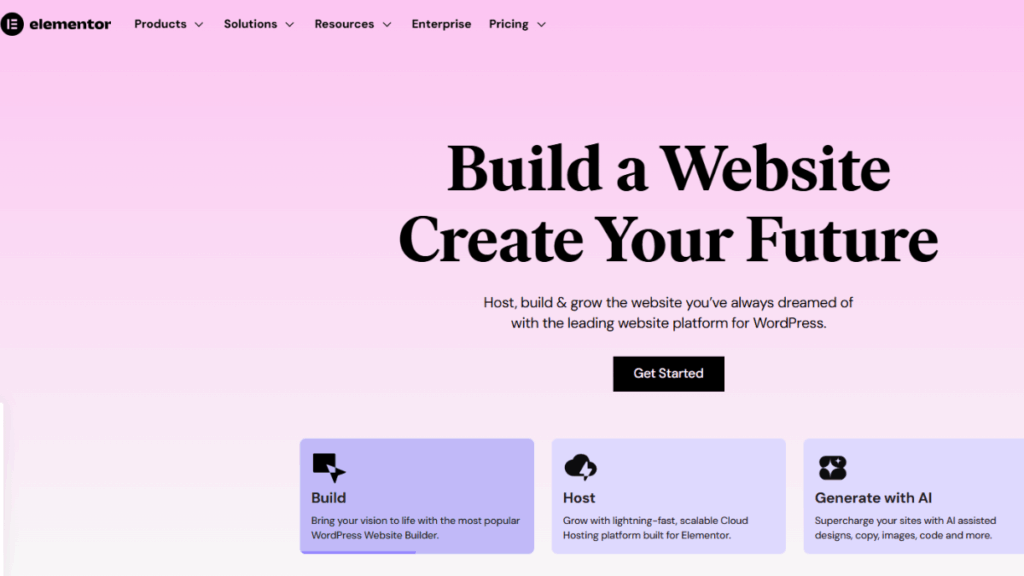
Elementor is one of the most popular free builders in the world, widely used for its modern interface, live-editing canvas, and rich element library. It enables users to create stunning pages visually without any technical knowledge while offering design freedom similar to premium web design tools. This wp drag and drop page builder provides powerful customization features like animation effects, custom styling, and global typography settings. Its intuitive controls make it suitable for professional businesses, blog creators, and startup owners looking for high-quality visual results without investing in expensive software.
Key Features
- Includes a built-in template marketplace offering hundreds of beautifully designed page layouts, helping users launch full websites faster without starting from zero design structures.
- Features an extensive widget collection such as sliders, countdowns, icon boxes, image galleries, and marketing elements to create visually rich pages ideal for conversion-focused website strategy.
- Responsive page editing tools allow users to preview layouts and adjust spacing, typography, and image sizes for multiple screen types, ensuring strong mobile optimization.
- Provides built-in motion effects, scroll animations, and shape dividers that enhance visual storytelling while maintaining stable structure and load performance.
- Works seamlessly with WooCommerce for product pages, shopping carts, checkout layouts, and category displays, enabling smooth online store creation without coding.
Themify Builder
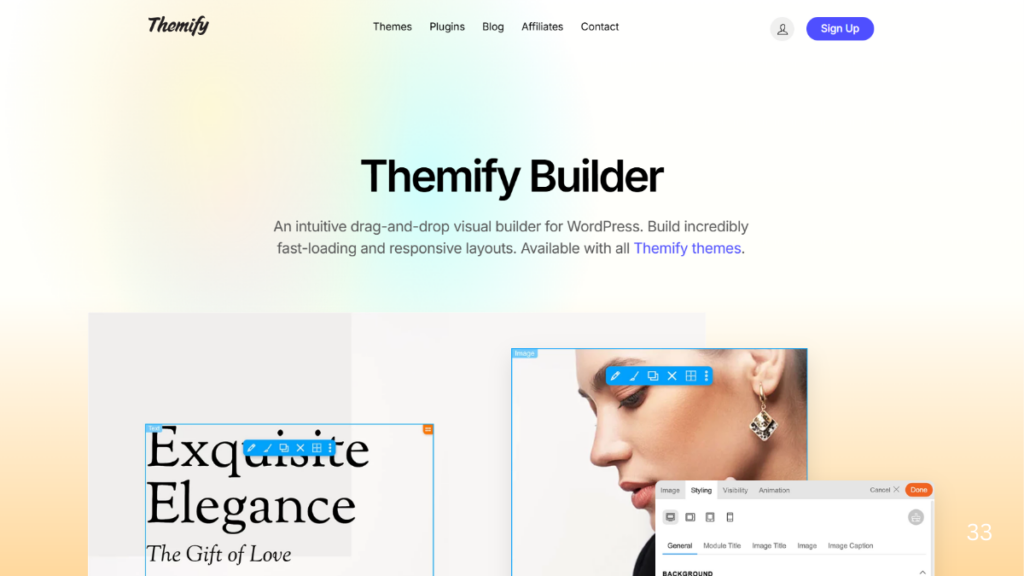
Themify Builder is packed with a drag-and-drop interface and powerful visual editing tools that allow smooth page customization. It provides front-end live editing, saving users time by offering instant preview mode while designing. The builder includes pre-designed layout packs and styling features that allow users to create unique websites with high design flexibility. It is compatible with all WordPress themes for easy setup and use, enabling fast development for business websites, portfolios, blogs, and professional agencies.
Key Features
- Offers a vast library of 50+ pre-built layouts designed for different business categories, allowing users to modify and launch pages instantly.
- Provides animation and styling modules, including color control, background effects, video backgrounds, and gradient overlays, offering advanced visual features.
- Compatible with existing page content, enabling transformation of classic layout pages into modern editable structures without rebuilding pages.
- Fully integrates with WooCommerce and offers product grid layouts, making it suitable for online stores and small businesses.
- Strengthens performance with caching options and optimization settings to maintain fast and stable loading speed.
Page Builder Sandwich
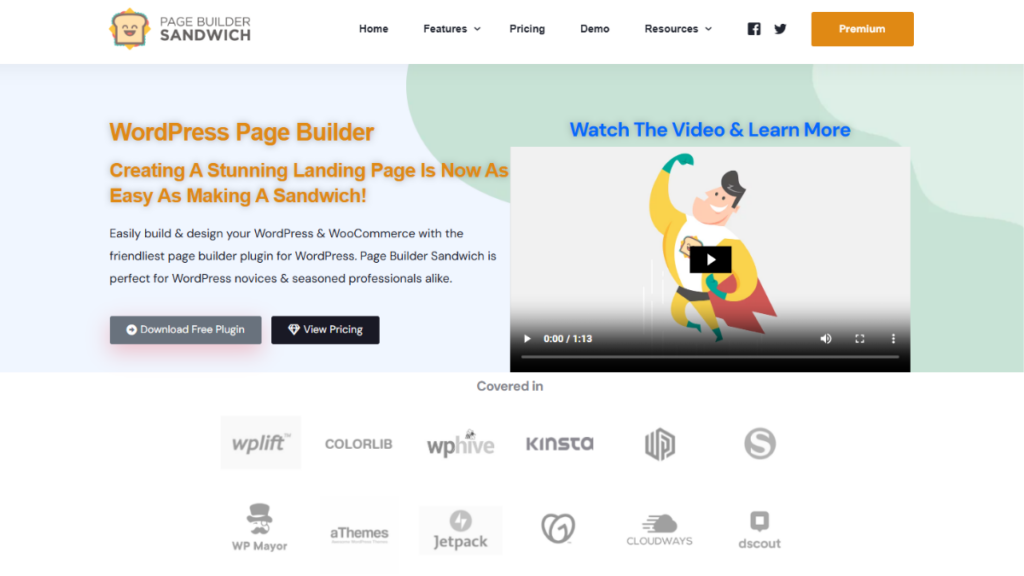
Page Builder Sandwich is a lightweight, intuitive editor designed for users who want simplicity and fast editing capability without complicated settings. It provides powerful in-line editing tools that allow users to type directly into the page, making it one of the simplest ways to create websites with visual control. Suitable for beginners, it enhances productivity by reducing design complexity and focusing on streamlined creation.
Key Features
- Offers a clean design interface with simplified editing tools suitable for individuals who prefer minimal learning time and fast site development.
- Provides pre-made content blocks including pricing tables, CTA buttons, banners, and testimonials that enable fast structure creation.
- Allows direct in-page content editing with instant text formatting and alignment control for better writing efficiency.
- Integrates smoothly with most WordPress themes and third-party plugins to ensure system compatibility without errors.
- Supports responsive control settings for multiple devices, ensuring visual consistency across platforms.
SiteOrigin
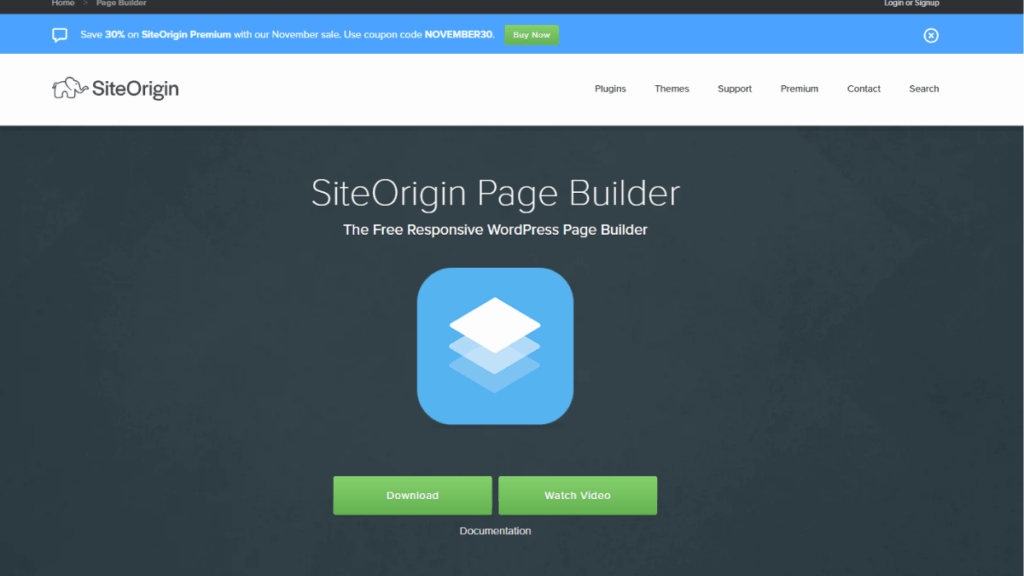
SiteOrigin is a performance-focused builder designed to support lightweight architecture and minimal load impact, ideal for users who prioritize speed and efficiency. It offers a structured drag-and-drop layout builder with grid-based formatting that provides better alignment control and responsive accuracy. With a strong developer community, it remains highly stable and continuously updated.
Key Features
- Includes a rows-and-columns building structure that makes creating balanced and clean professional layouts extremely simple and precise.
- Offers built-in widgets for key features like sliders, maps, forms, buttons, and testimonials that enhance features without extra plugins.
- Completely optimized for fast-loading performance and minimal code structure, reducing page bloat and improving SEO.
- Compatible with popular caching, security, and eCommerce plugins to support website scalability.
- Provides real-time preview options and responsive layout adjustments for cross-device consistency.
Divi
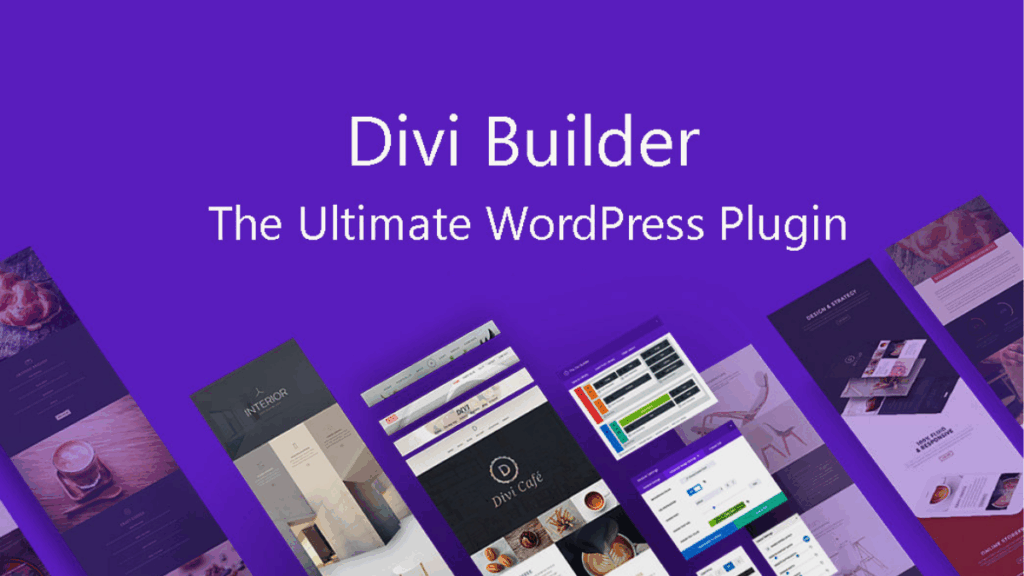
Divi provides a powerful visual design experience with an integrated theme builder that supports advanced flexibility for creative customization. Its drag-and-drop framework makes real-time editing extremely easy, while offering complete styling control with global design settings. Divi is often used by agencies and professional designers due to its rich feature set and fully responsive editing system.
Key Features
- Offers a real-time visual editor that enables instant change visibility for faster design control and creative freedom.
- Includes a large library of ready-to-use templates for portfolio sites, corporate pages, online stores, and landing pages.
- Features advanced animation control and hover-based styling tools for interactive engagement.
- Allows global style and reusable content blocks that help streamline large website construction.
- Fully integrates with WooCommerce and provides customizable product page layouts for online selling.
Gutenberg
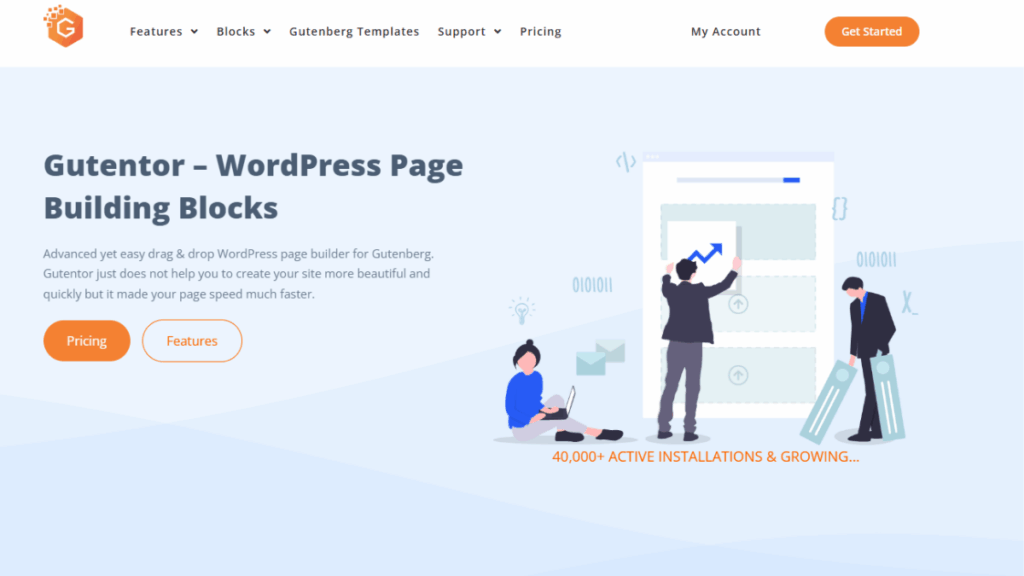
Gutenberg is the default WordPress block editor designed for simplicity, flexibility, and performance. Built into WordPress core, it uses block-based structure to build pages section by section without external plugins. Ideal for lightweight website design, it emphasizes stability and fast load speed performance.
Key Features
- Uses content blocks for structured layout organization to build professional pages with minimal design complexity.
- Supports reusable block creation and template patterns that enable faster page building workflows.
- Lightweight and fully optimized for best frontend performance, ensuring SEO advantages and faster loading behavior.
- Integrates perfectly with native WordPress functionality and plugins for seamless editing.
- Completely mobile responsive with block customization options for small screens.
Detailed Comparison Table
| Builder Name | Ease of Use | Templates | Performance | Best For | Upgrade Option |
|---|---|---|---|---|---|
| Beaver Builder | Very Easy | Moderate | Excellent | Small Business Sites | Yes |
| Elementor | Very Easy | Large Library | High | Business & Agencies | Yes |
| Themify Builder | Easy | Extensive | High | Creative Websites | Yes |
| Page Builder Sandwich | Very Easy | Moderate | Good | Beginners | Limited |
| SiteOrigin | Moderate | Basic | Excellent | Lightweight Sites | Yes |
| Divi | Advanced | Large | High | Designers | Yes |
| Gutenberg | Easy | Basic Patterns | Very High | Minimal Websites | N/A |
Conclusion
The Free WordPress Page Builder is essential for building a high-quality website that performs well, loads fast, and meets modern design expectations. With so many options available, selecting a builder that matches usability, speed, features, and scalability needs can hugely impact the success of your online presence. The builders covered in this guide are trusted by millions of users and equipped with features to develop beautiful layouts without technical skill. Whether you’re a freelancer, small business owner, or blogger, the right choice can simplify website creation and improve your digital branding.
If you want to build a complete professional website efficiently, consider combining one of these free builders with a WordPress Theme Bundle, which provides premium-quality templates and design options for complete customization. This approach offers long-term flexibility and helps users scale as they grow their digital presence. Whether you are experimenting with a Free WordPress site Builder or upgrading to a premium plan later, the tools provided in this blog will guide you toward making the best practical decision for your project needs. Start building visually stunning pages today using a modern wp drag and drop page builder and take your website to the next level.
Frequently Asked Questions (FAQs)
Elementor Free and Beaver Builder Lite are excellent for professional business websites thanks to templates and robust customization tools.
Yes, you can build a fully professional, responsive, and visually attractive site using free builders that offer templates, widgets, and customization tools.
Gutenberg and SiteOrigin deliver excellent performance due to cleaner coding and minimal resource usage.
Yes, but switching may affect page structure or formatting, so it’s best to choose a builder before major designing begins.
Many provide documentation, guides, and community forums, while premium upgrades include direct support.