

Project management plays a critical role for WordPress users who manage client work, internal tasks, or ongoing website operations. Without a structured system, teams often struggle with missed deadlines, unclear responsibilities, poor collaboration, and scattered tools spread across emails, spreadsheets, and third-party apps. This is where project management WordPress plugins make a real difference. These plugins bring task tracking, communication, and progress monitoring directly into the WordPress dashboard, helping teams stay organized and accountable. In this blog, you will find a detailed comparison of leading plugins, a breakdown of essential features, and practical recommendations to help you choose the right solution based on your workflow, team size, and business goals.
Why Use Project Management Plugins in WordPress?
Using project management WordPress plugins allows WordPress users to manage projects without relying on external tools. These plugins centralize tasks, deadlines, files, and team communication in one place, improving visibility and productivity. They reduce context switching, streamline workflows, and ensure everyone stays aligned on priorities. For agencies, freelancers, and businesses, these plugins also improve client collaboration by offering controlled access to project updates. When your project management system operates within WordPress, it becomes easier to integrate with themes, WooCommerce, and other plugins, creating a more efficient and scalable working environment.
If you’re wondering how to add plugins to WordPress, installing a project management plugin is a simple way to extend your dashboard with built-in tools for handling tasks, deadlines, and team collaboration without leaving your site.
Key Features to Look for in Project Management WordPress Plugins
- Task Management: Task management enables you to create, assign, and prioritize tasks with deadlines. It helps teams track progress clearly, break work into manageable steps, and maintain accountability within project management WordPress plugins.
- Team Collaboration: Team collaboration features allow members to comment on tasks, share updates, and communicate in real time. This reduces email dependency and keeps all project-related discussions organized in one workspace.
- Kanban Boards and Gantt Charts: Visual tools like Kanban boards and Gantt charts help teams understand workflows, dependencies, and timelines. They improve planning accuracy and provide instant clarity on project progress.
- Time Tracking: Time tracking records hours spent on tasks and projects. This feature supports accurate billing, productivity analysis, and resource planning for agencies and service-based businesses.
- Integrations: Integrations connect plugins with WooCommerce, page builders, CRMs, and email tools. They ensure smoother workflows and extend the functionality of project management WordPress plugins.
Best Project Management WordPress Plugins
WP Project Manager

Downloads: 40,000+
Rating: 4.5/5
Notable Feature: Frontend project management
Best Suited For: Small teams and agencies
WP Project Manager offers a clean and intuitive interface for managing tasks, milestones, and discussions. It allows teams to collaborate directly from the frontend, making it easier for non-technical users and clients to stay involved. The plugin supports task lists, file sharing, and role-based permissions. Its premium version adds time tracking, invoicing, and Kanban boards, making it suitable for growing teams that need advanced project control while staying within WordPress. Additionally, integrating a WordPress Cookies Plugin helps ensure compliance with data privacy regulations by managing user consent seamlessly, especially when teams collaborate, share files, and interact on the frontend.
UpStream
Downloads: 20,000+
Rating: 4.6/5
Notable Feature: Client-focused project views
Best Suited For: Client-facing projects
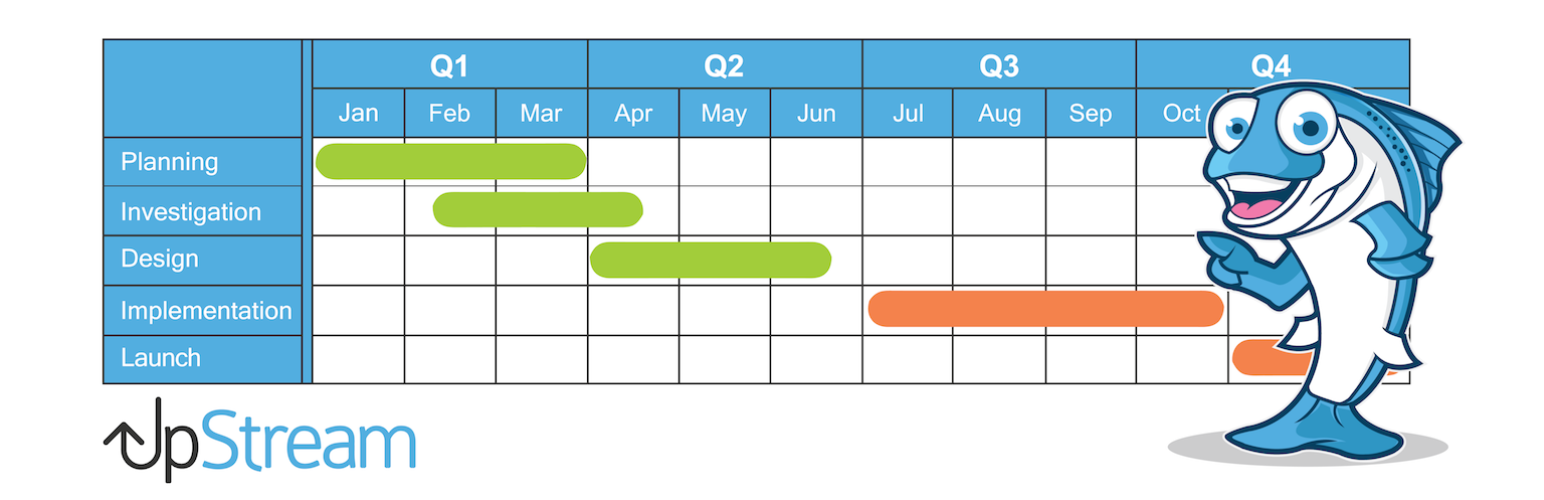
UpStream is designed for managing client projects efficiently. It offers project timelines, milestones, task assignments, and file management within WordPress. One of its strongest features is client access, allowing stakeholders to view progress without backend access. The plugin also supports custom project fields and extensions for budgeting and time tracking. UpStream works well for agencies that prioritize transparency and structured client communication.
Task Manager Pro
Downloads: 10,000+
Rating: 4.4/5
Notable Feature: Lightweight task handling
Best Suited For: Small businesses
Task Manager Pro focuses on simplicity and speed. It enables users to create tasks, assign team members, and track completion without overwhelming features. The plugin integrates smoothly with WordPress roles and keeps performance optimized. While it lacks advanced reporting tools, it works well for teams that want a straightforward task management system without complexity or steep learning curves. For teams that already rely on a WordPress Security plugin to protect their site, Task Manager Pro complements that setup by maintaining a lightweight, secure workflow without adding unnecessary complexity or performance overhead.
Monday.com Integration with WordPress

Downloads: Integration depends on third-party connectors rather than a native WordPress directory plugin
Notable Feature: Workflow automation between WordPress and monday.com
Best Suited For: Teams that want to sync project boards, content, and WordPress actions with external project management workflows
Monday.com doesn’t have a standalone project management wordpress plugins in the directory, but it can be tightly connected to WordPress via automation tools like Zapier, Make, or Appy Pie Automate. These integrations let you automatically sync posts, users, form submissions, or custom actions from your WordPress site into your monday.com boards, helping you track editorial calendars, content status, and task assignments without manual entry. This setup turns WordPress into an automated data source for your project workflows, making it ideal for teams already using monday.com for task & project management across departments. This approach works especially well when paired with the Best WP Calendar Plugin, allowing teams to visually plan, schedule, and manage content timelines in WordPress while seamlessly syncing tasks and deadlines with monday.com boards.
Avaza (via WordPress Integration)
Downloads: N/A (integrates through tools like Zapier/Latenode)
Rating: 4.5/5 (based on general user reviews)
Notable Feature: All-in-one project, time, invoicing, and collaboration system
Best Suited For: Teams that want advanced project workflows synced with WordPress
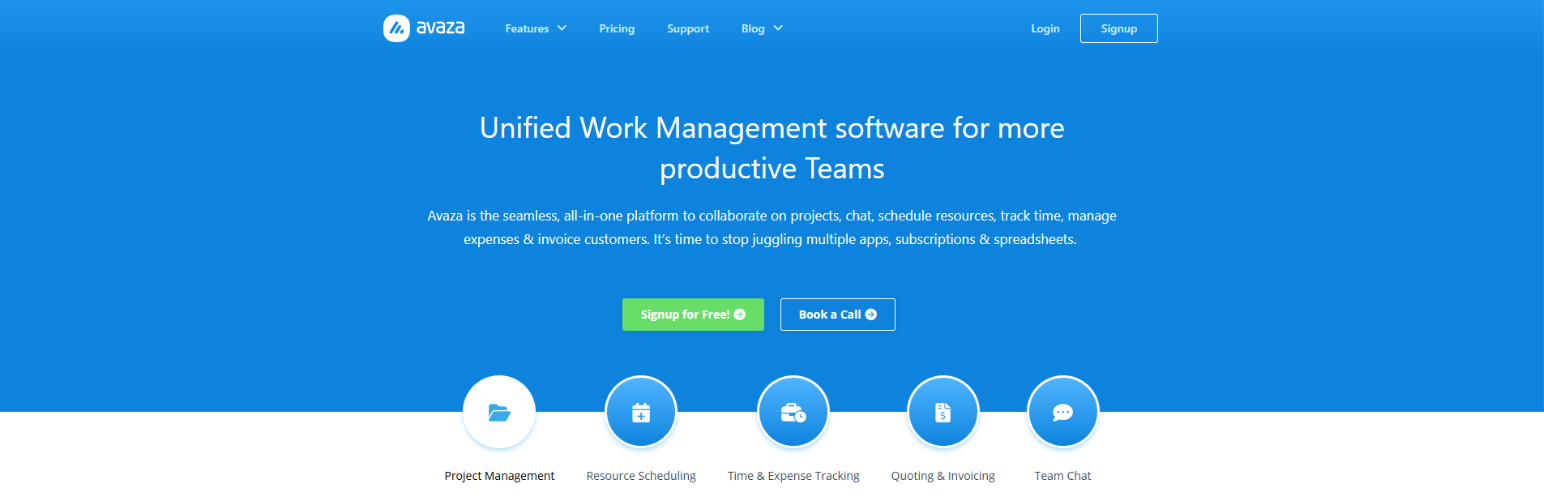
Avaza is a cloud-based project management and work management platform that combines task organization, time tracking, resource scheduling, expense management, invoicing, and team communication all in one place, ideal for businesses that need a complete project ecosystem outside WordPress.While Avaza doesn’t have a native WordPress plugin, you can integrate it with your WordPress site using tools like Zapier or Latenode to automate workflows (e.g., syncing tasks or form submissions to Avaza). This setup lets you bridge WordPress and Avaza for content, task, and project coordination without manual entry. It’s best for agencies or teams that want robust project tracking while keeping WordPress as part of their broader workflow.
Free vs Premium Project Management WordPress Plugins
Free Project Management WordPress Plugins typically offer basic task creation, assignments, and simple collaboration tools, making them suitable for small teams or individual users. However, free versions often lack advanced features like time tracking, reporting, integrations, and client access. Upgrading to premium makes sense when managing multiple projects, larger teams, or client-facing workflows. While premium plugins involve recurring costs, the value they deliver in productivity, automation, and scalability often outweighs the investment.
Conclusion
Choosing the right Project Management WordPress Plugins can significantly improve how teams plan, execute, and deliver projects. By centralizing tasks, communication, and progress tracking within WordPress, these plugins eliminate inefficiencies caused by scattered tools and unclear workflows. Whether you are a freelancer, agency, startup, or enterprise, selecting a plugin that aligns with your needs ensures better collaboration, accountability, and productivity. From feature-rich premium solutions to lightweight free options, WordPress offers flexible project management tools for every use case. By evaluating features, pricing, and compatibility, you can confidently implement a solution that supports long-term growth and operational efficiency.
Frequently Asked Questions (FAQs)
They are tools that help manage tasks, teams, and workflows directly within the WordPress dashboard.
Yes, many plugins offer lightweight task management ideal for freelancers and solo professionals.
Well-optimized plugins have minimal impact when configured properly.
Many plugins offer client roles with restricted access to project updates.
Free versions work for basic needs but lack advanced features.
Some plugins provide WooCommerce integrations for order-based project tracking.
Evaluate your workflow, team size, required features, and budget before deciding.