


Every website needs a simple way for visitors to contact you. A contact form helps people send messages without sharing email addresses publicly. This is why contact form plugins in WordPress are very important for any type of website. Whether you run a blog, business site, or online store, a contact form builds trust and improves communication.
Most WordPress users prefer plugins because they are easy to install and do not require coding. Today, many plugins work smoothly with WordPress Block Themes, making it easier to design forms that match your website layout. You can add contact forms to pages, posts, or footers using blocks.
In this blog, you will learn how to choose the right contact form plugin, explore the best options available, avoid common mistakes, and install a form step by step. This guide is perfect for beginners who want simple solutions without confusion.
What to Look for in a WordPress Contact Form Plugin
- Easy setup and simple interface so beginners can create forms quickly without learning technical skills or using code.
- Customization options like changing colors, labels, and fields to match your website design and user needs.
- Spam protection features, such as CAPTCHA or honeypot to keep your inbox safe from fake messages.
- Email notifications so you never miss a message sent through your form.
- Compatibility with themes and builders to ensure contact form plugins in WordPress work smoothly on all devices.
How to Install and Set Up a Contact Form Plugin in WordPress
- Log in to your WordPress dashboard
- Go to Plugins → Add New
- Search for your chosen contact form plugin
- Click Install and then Activate
- Create a new form from the plugin menu
- Add form fields like name, email, and message
- Save the form and copy the shortcode or block
- Paste it into your page or post
Best Contact Form Plugins in WordPress
Contact Form 7

Contact Form 7 is one of the oldest and most popular contact form plugins in WordPress. It allows users to create simple forms using shortcodes. The plugin is free and works well with most themes. While it looks basic, it offers flexibility for users who want lightweight forms without extra features. It supports CAPTCHA and email notifications, but may require extra plugins for advanced options.
My Experience
I used Contact Form 7 on my first WordPress website.
It worked well for basic contact needs.
Setup was simple, but customization took time.
Pros
- Free to use
- Lightweight plugin
- Large community support
Cons
- No drag-and-drop builder
- Limited design options
- Needs add-ons for extra features
Why I Recommend This Plugin
I recommend it for beginners who want a basic and free contact form.
Pricing
Free
WPForms
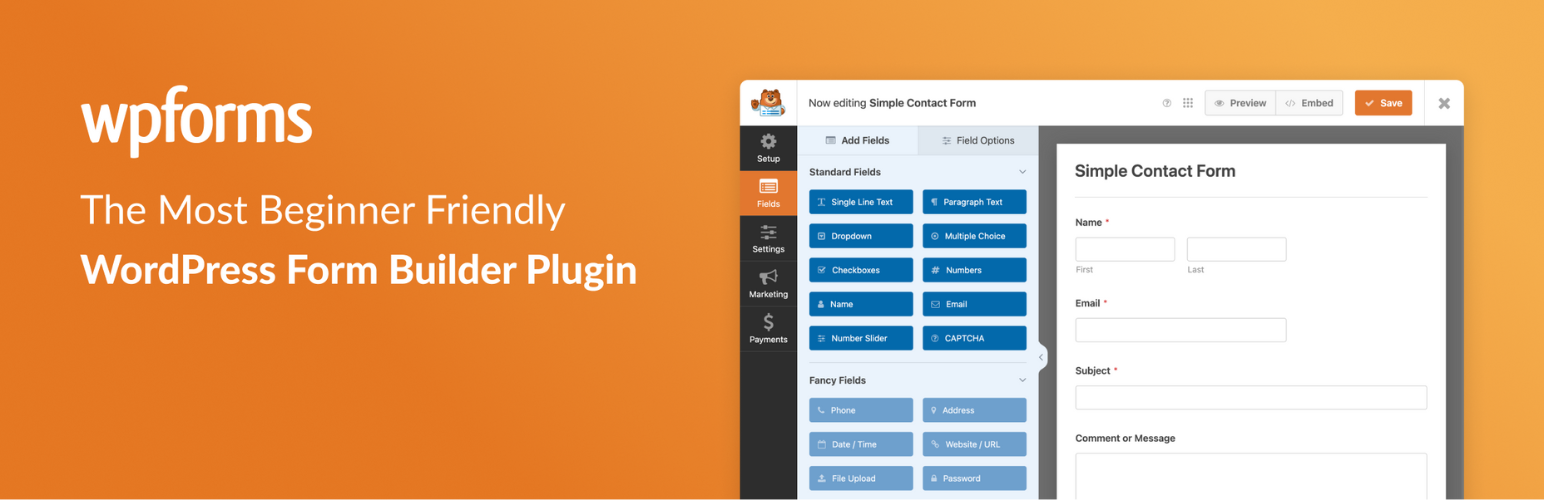
WPForms is a beginner-friendly plugin with a drag-and-drop form builder. It helps users create forms quickly using ready-made templates. You can easily add contact forms, feedback forms, and subscription forms. The interface is clean and easy to understand. WPForms also supports email notifications and spam protection, making it a great choice for small businesses and blogs.
My Experience
I found WPForms very easy to use.
The templates saved me a lot of time.
I liked how clean the builder looked.
Pros
- Drag-and-drop builder
- Beginner-friendly design
- Ready-made templates
Cons
- Limited features in free version
- Advanced tools need paid plan
- Branding in free version
Why I Recommend This Plugin
It is perfect for users who want fast results without confusion.
Pricing
Free + Paid plans start from basic premium versions
Gravity Forms
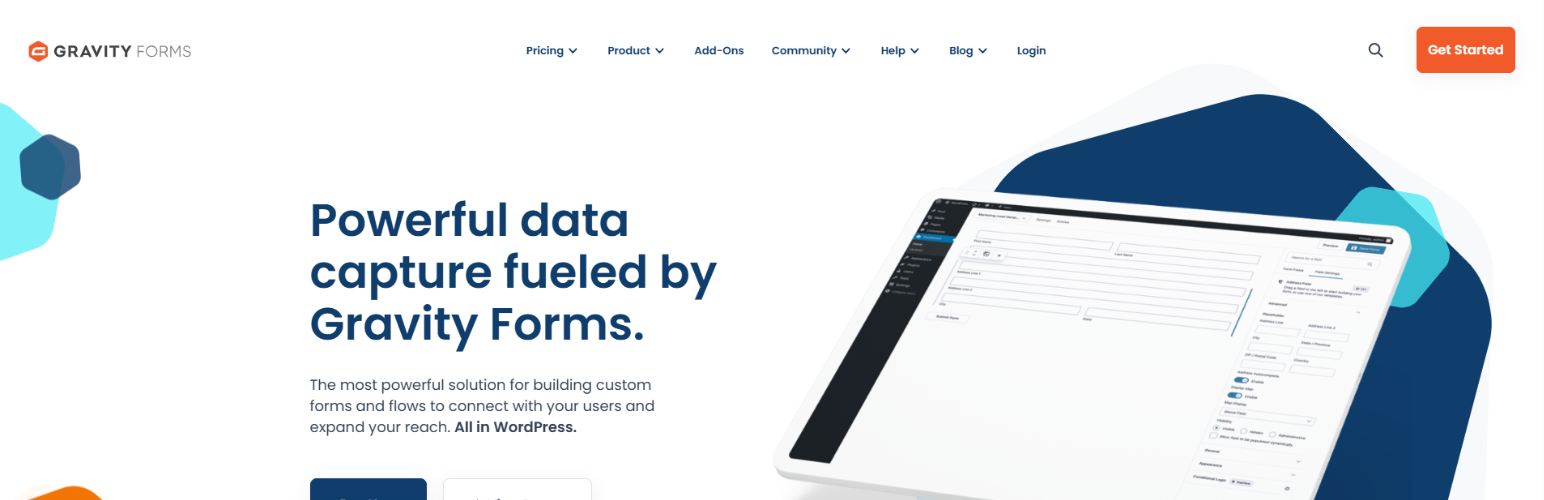
Gravity Forms is a powerful option among contact form plugins in wordpress. It is designed for advanced users who need complex forms. You can create multi-step forms, surveys, and conditional fields. It works well for business websites and developers. The plugin does not offer a free version, but it provides strong features and add-ons for advanced needs.
My Experience
I used Gravity Forms for a client project.
It handled complex forms very well.
The learning curve was slightly higher.
Pros
- Advanced form features
- Conditional logic support
- Reliable performance
Cons
- No free version
- Not beginner-friendly
- Higher pricing
Why I Recommend This Plugin
Best for professional and business-level websites.
Pricing
Paid plans only
Ninja Forms
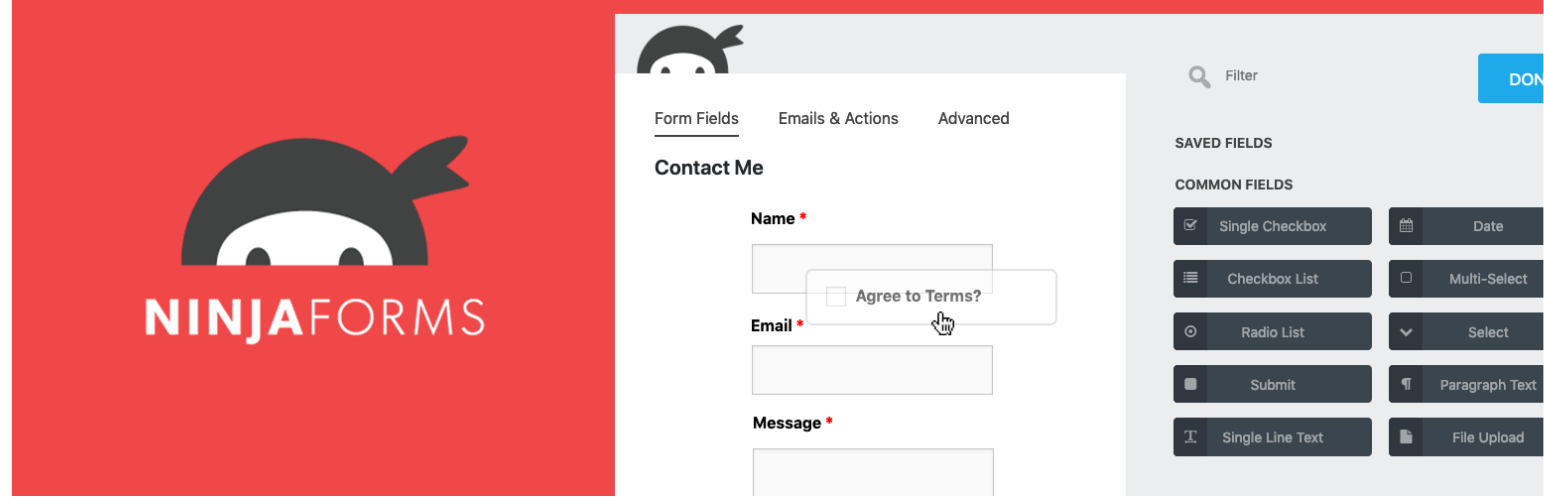
Ninja Forms offers a flexible form builder that works well for beginners and growing websites. The plugin provides a simple interface and allows users to add features through add-ons. You can create contact forms easily and manage submissions from the dashboard. It is suitable for users who want control without technical difficulty.
My Experience
I liked how flexible Ninja Forms felt.
The free version was good for basic use.
Add-ons helped when I needed more features.
Pros
- Easy to use
- Free core plugin
- Flexible add-on system
Cons
- Paid add-ons required
- Can get expensive
- Limited templates
Why I Recommend This Plugin
Good for users who want flexibility as their site grows.
Pricing
Free + Paid add-ons
Formidable Forms
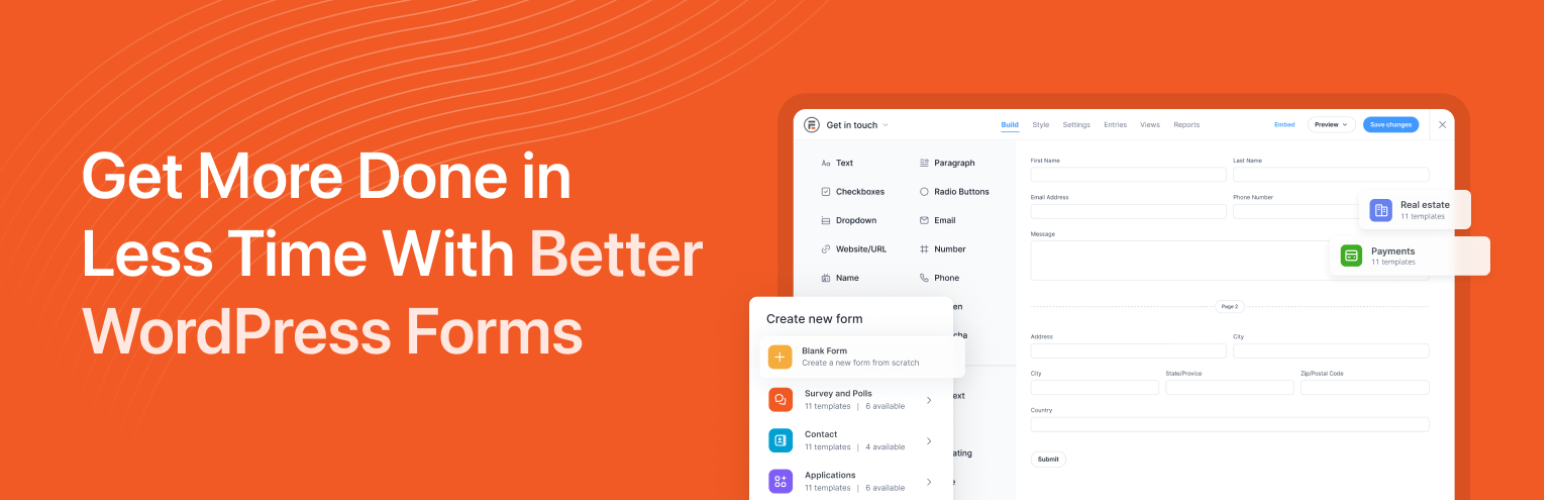
Formidable Forms is one of the advanced contact form plugins in wordpress built for data-driven websites. It allows users to create complex forms, calculators, and surveys. The plugin supports multi-page forms and advanced logic. It is best for users who need more than simple contact forms and want better data handling.
My Experience
I used it for creating detailed forms.
The features were powerful but complex.
Best suited for experienced users.
Pros
- Advanced form tools
- Data management features
- Custom views
Cons
- Not beginner-friendly
- Complex interface
- Premium pricing
Why I Recommend This Plugin
Ideal for websites needing advanced form functionality.
Pricing
Free + Premium plans available
Fluent Forms
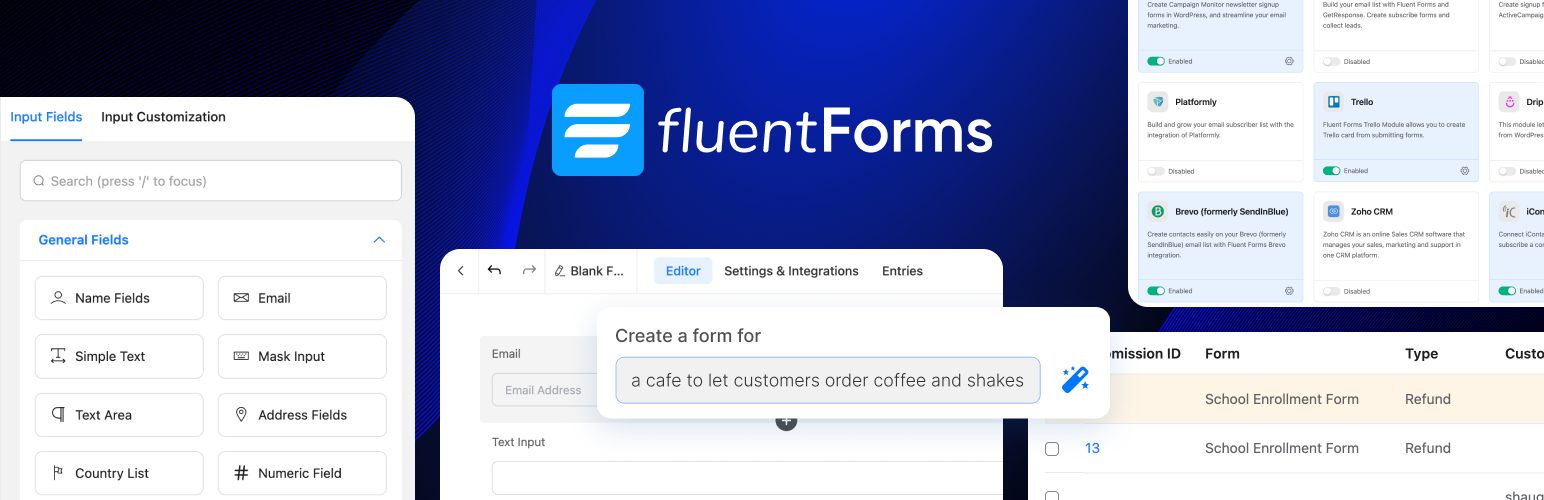
Fluent Forms is a lightweight and fast form builder designed for performance. It offers a drag-and-drop builder and ready templates. The plugin works smoothly with modern WordPress sites and focuses on speed. It is suitable for users who want fast-loading forms without heavy features.
My Experience
Fluent Forms felt very smooth to use.
Forms loaded quickly on my site.
The interface was clean and simple.
Pros
- Fast performance
- Easy interface
- Good free version
Cons
- Limited advanced tools
- Fewer templates
- Smaller community
Why I Recommend This Plugin
Best for users who care about website speed.
Pricing
Free + Paid plans
Top WordPress Theme with Contact Form Plugins
Property WordPress Theme
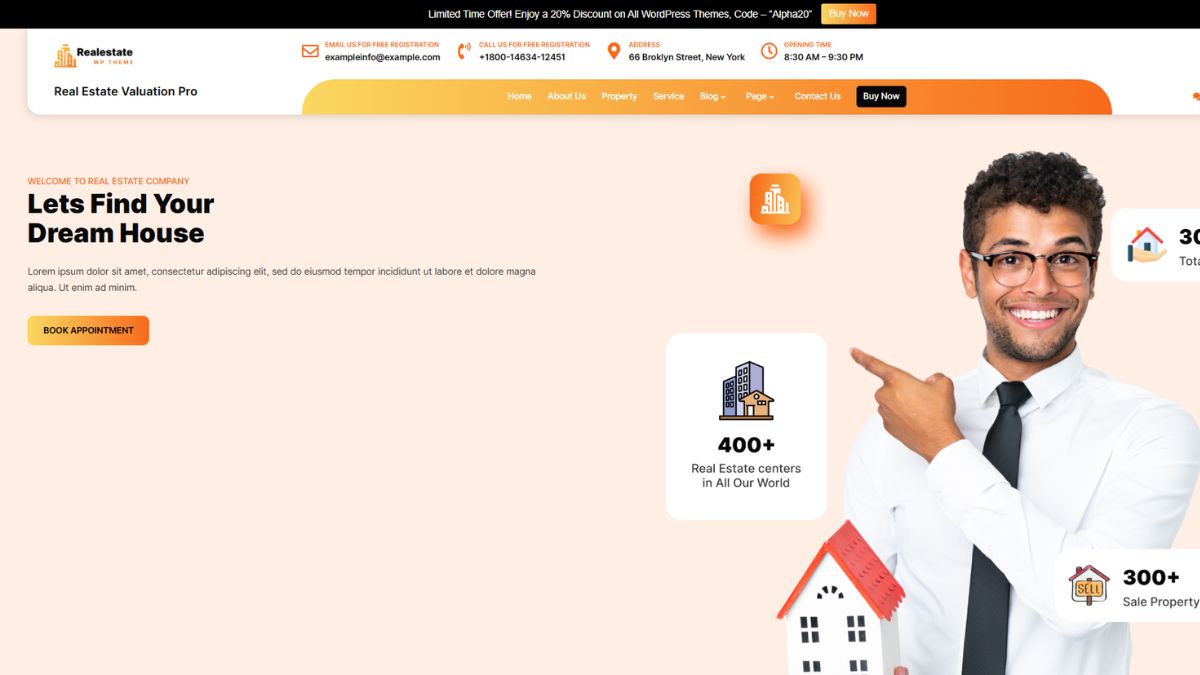
The Property WordPress Theme is designed for real estate agents, property dealers, and housing firms that want a professional online presence. It features clean layouts, advanced property listings, image galleries, and location-based search options to help users find properties easily. The theme supports responsive design, ensuring seamless performance across devices. Customization options allow you to highlight featured properties, pricing, and amenities without coding knowledge. It also works smoothly with SEO tools and contact form plugins in WordPress, enabling potential buyers or renters to send inquiries instantly, improving lead generation and client engagement. This Property WordPress Theme also functions as a powerful Corporate Website WordPress Template, helping real estate businesses build a credible brand identity while showcasing properties and services professionally.
Health Coach WordPress Theme
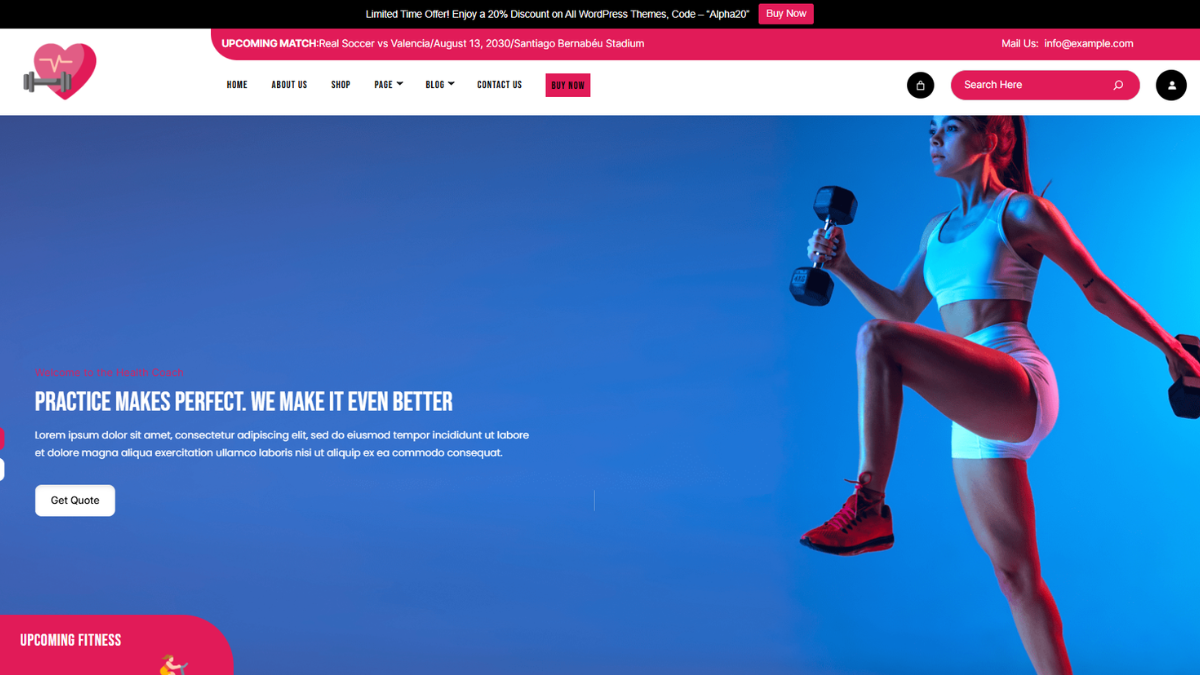
The Health Coach WordPress Theme is perfect for wellness coaches, nutritionists, therapists, and lifestyle mentors. It offers a calming design with sections for services, testimonials, blogs, and appointment scheduling. The theme emphasizes trust and clarity, helping coaches communicate their expertise effectively. Fully responsive and easy to customize, it allows you to align visuals with your brand identity. Integration with booking tools, email marketing services, and contact form plugins in WordPress ensures smooth client communication. This theme helps health professionals build credibility, connect with clients, and grow their coaching practice online.
Academy WordPress Theme

The Academy WordPress Theme is built for educational institutions, online courses, training centers, and tutors. It features structured layouts for courses, faculty profiles, events, and student testimonials. With a clean and organized design, it enhances the learning experience while making information easy to access. The theme supports LMS plugins, multimedia content, and responsive design for all devices. Compatibility with contact form plugins in WordPress allows students and parents to submit inquiries effortlessly. This theme helps academies present their offerings professionally while streamlining communication and enrollment processes.
Fitness WordPress Theme
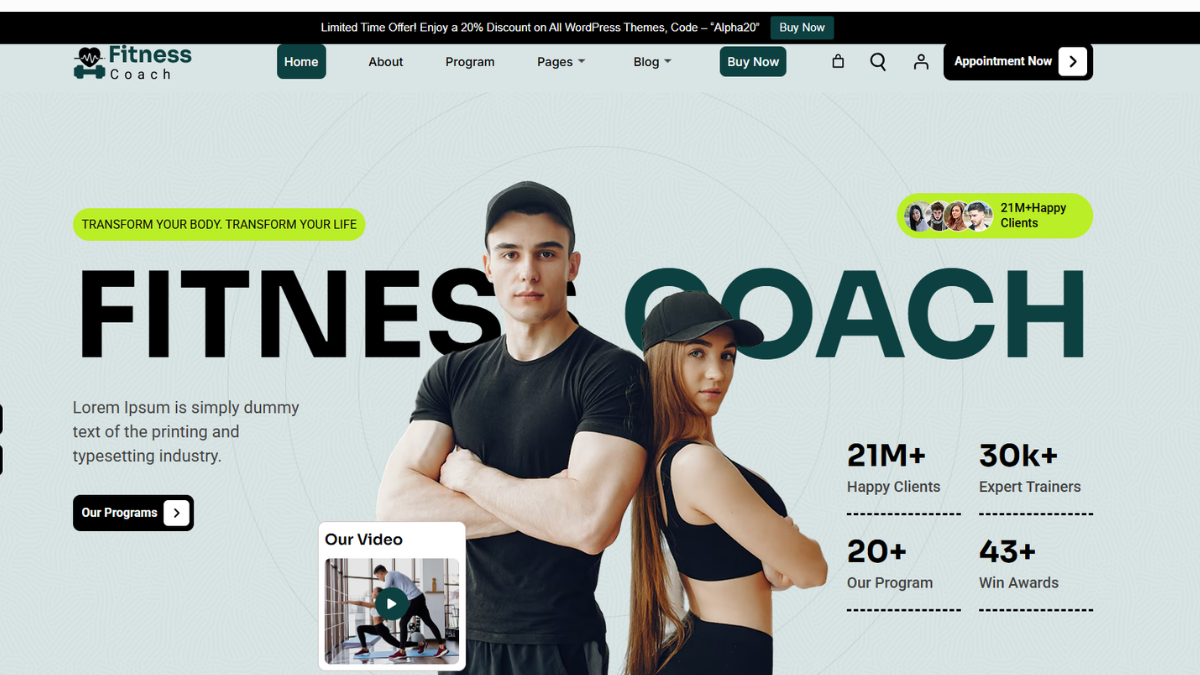
The Fitness WordPress Theme is ideal for gyms, personal trainers, yoga studios, and fitness clubs. It offers bold layouts, class schedules, trainer profiles, and membership plans to attract and retain clients. Designed for high performance, the theme is mobile-friendly and visually engaging. Customization options allow fitness brands to showcase workouts, success stories, and promotions effectively. Integration with booking systems, payment gateways, and contact form plugins in WordPress makes it easy for users to join programs or ask questions, helping fitness businesses convert visitors into loyal members. You can also integrate a WordPress newsletter plugin to capture visitor emails, share workout updates, promote new classes, and keep members engaged with regular fitness tips and exclusive offers.
Common Mistakes to Avoid When Using Contact Form Plugins
- Adding too many fields in the form
- Forgetting to enable email notifications
- Not testing the form after setup
- Ignoring spam protection settings
- Placing forms where users cannot find them
Conclusion
Choosing the right contact form plugin helps your website stay connected with visitors. Contact form plugins in WordPress make communication simple and professional, even for beginners. When combined with the right theme, your website becomes more user-friendly and trustworthy. If you manage multiple sites or want flexibility, using a WordPress Theme Bundle can save time and money while ensuring compatibility with form plugins. Always choose a plugin that matches your skill level and website needs. Simple forms work best and keep users engaged. By avoiding common mistakes and following proper setup steps, you can create effective contact forms that improve user interaction and website performance.
Frequently Asked Questions (FAQs)
Yes, many plugins offer free versions with basic features. Premium plans are available for advanced tools and better customization.
WPForms and Fluent Forms are great for beginners due to their simple interface and drag-and-drop builders.
Most plugins work with modern WordPress themes, including block-based themes, without any issues.
Yes, but using multiple plugins may slow your site. It is better to stick to one reliable plugin.
Yes, most plugins offer CAPTCHA and spam filters to protect your inbox from fake messages.