
Creating a multilingual website is a powerful way to expand your digital presence and connect with audiences across different regions. Choosing the best wordpress plugins for translation solution allows site owners to translate content efficiently while maintaining design consistency, performance, and search visibility. As businesses grow globally, visitors expect content in their native language, making translation plugins essential rather than optional. These tools simplify language management, reduce manual effort, and help deliver a seamless browsing experience across multiple languages without technical complexity.
With the rise of WordPress Block Themes, translation has become even more important. Block-based designs rely on reusable elements, patterns, and dynamic layouts that must be accurately translated to preserve structure and usability. A reliable translation plugin ensures every block, widget, menu, and template part displays correctly in all languages. This not only improves accessibility but also strengthens brand credibility, user engagement, and international SEO performance, making multilingual support a long-term growth asset.
How to Choose the Best Translation Plugin for Your WordPress Site?
- Identify Your Translation Method
Determine whether you need automatic translation, manual translation, or a hybrid approach. Automatic tools save time, while manual translation ensures accuracy and tone control. Your content type and audience expectations should guide this decision. - Check Theme and Plugin Compatibility
Ensure the plugin works smoothly with your WordPress theme, block editor, and essential plugins. Compatibility prevents layout issues, broken elements, and conflicts that can affect user experience and performance. - Evaluate SEO Capabilities
A good translation plugin should support multilingual SEO features such as translated URLs, metadata, and hreflang tags. These elements help search engines understand language variations and rank pages correctly. - Consider Ease of Use
Look for plugins with intuitive dashboards, setup wizards, or visual editors. User-friendly tools reduce setup time and make ongoing translation management easier, especially for non-technical users. - Assess Performance Impact
Choose a lightweight plugin that doesn’t slow down your website. Performance matters for both user experience and search rankings, especially when serving international traffic. - Plan for Scalability
Select a plugin that can grow with your website. Adding new languages, pages, or features should be seamless without requiring a complete system change later.
How to Install and Set Up a Translation Plugin in WordPress
- Access the WordPress Dashboard
Log in to your admin panel and navigate to the Plugins section. Understanding how to add plugins to wordpress is essential, as this is where all functionality enhancements begin. - Install and Activate the Plugin
Search for your chosen translation plugin or upload it manually if it’s a premium version. Activate the plugin to unlock its settings and features. - Select Default and Target Languages
Choose your site’s primary language and add secondary languages. This step defines how content will be structured and displayed for multilingual visitors. - Configure Translation Settings
Set translation preferences such as automatic or manual mode, URL structure, and content types to translate. Most plugins offer guided setup to simplify this process. - Add a Language Switcher
Place a language switcher in menus, headers, footers, or sidebars. This allows users to easily navigate between languages without confusion. - Test and Optimize Translations
Review translated pages, menus, and dynamic elements. Make adjustments to ensure accuracy, readability, and consistent layout across all languages.
Top Translational Ready Themes
Top Translational Ready Themes are designed to help websites reach a global audience with ease. These themes support multilingual plugins, offer clean code, and ensure accurate language switching without layout issues. Ideal for businesses and bloggers, they provide flexibility, fast performance, and a seamless user experience across different regions and languages.
Digital Marketing WordPress Theme

The Digital Marketing WordPress Theme is designed for agencies, consultants, and startups that want a strong online presence. It features a clean, modern layout that highlights services, case studies, and client testimonials effectively. With flexible homepage sections, customizable headers, and smooth animations, the theme helps brands communicate expertise and build trust. It is fully responsive, ensuring your website looks professional on desktops, tablets, and mobile devices alike.
This theme also supports popular plugins for SEO, lead generation, and multilingual content, making it suitable for global audiences. When paired with the best wordpress plugins for translation users rely on, it allows businesses to reach international markets seamlessly. Fast loading speed, easy customization, and marketing-focused design make it a reliable choice.
Fitness WordPress Theme
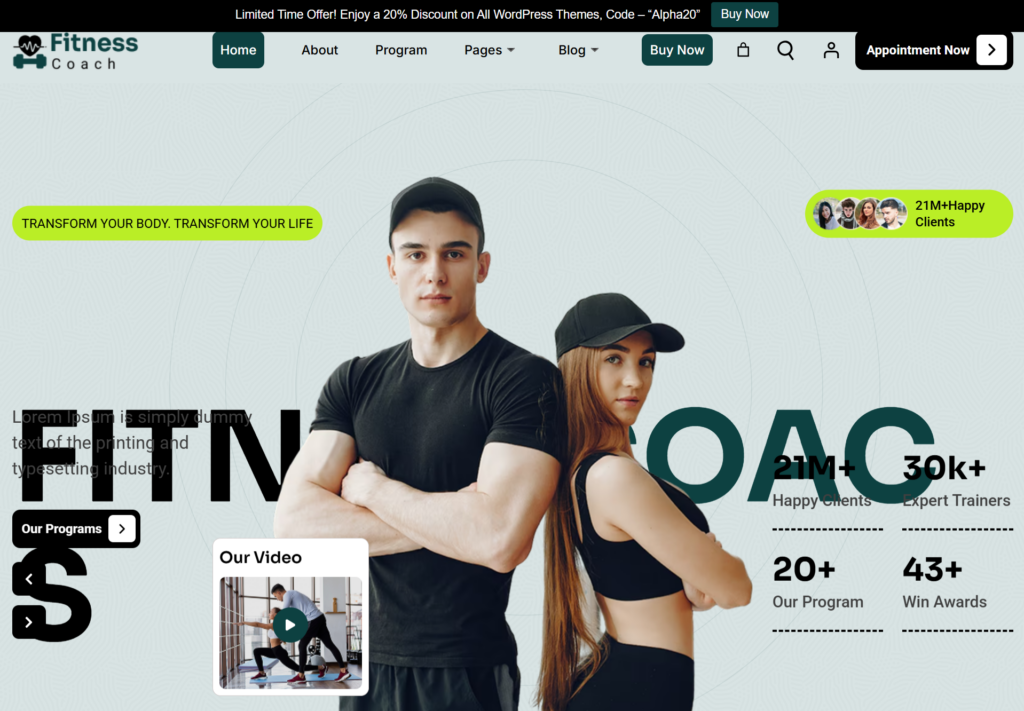
The Fitness WordPress Theme is ideal for gyms, personal trainers, yoga studios, and wellness coaches looking to showcase their brand. It offers dynamic layouts for class schedules, trainer profiles, membership plans, and success stories. Bold visuals, strong typography, and engaging sections motivate visitors and reflect an active lifestyle.
Highly customizable and performance-optimized, the theme works smoothly with popular page builders and booking plugins. Its responsive design guarantees a seamless experience on all screen sizes. With built-in SEO-friendly structure and easy content management, this theme helps fitness businesses grow their online presence and convert visitors into loyal members.
Vaccination WordPress Theme

The Vaccination WordPress Theme is crafted for hospitals, clinics, NGOs, and healthcare campaigns focused on immunization awareness. Its layout emphasizes clarity and trust, with dedicated sections for vaccination schedules, safety information, FAQs, and appointment booking. Soft color palettes and clean typography create a reassuring user experience, which is essential for healthcare-related websites.
Built with accessibility and responsiveness in mind, the theme performs well across all devices. It supports essential healthcare plugins and multilingual functionality for wider outreach. Integrating the best wordpress plugins for translation solution ensures accurate communication with diverse communities. Overall, this theme helps organizations share critical health information professionally and effectively.
Best Translation Plugins for WordPress
WordPress offers a wide range of translation plugins designed for different skill levels and website goals. From simple automatic translators to advanced multilingual management systems, these plugins help website owners translate content efficiently, improve accessibility, and maintain SEO performance without disrupting site design or functionality.
Google Website Translator
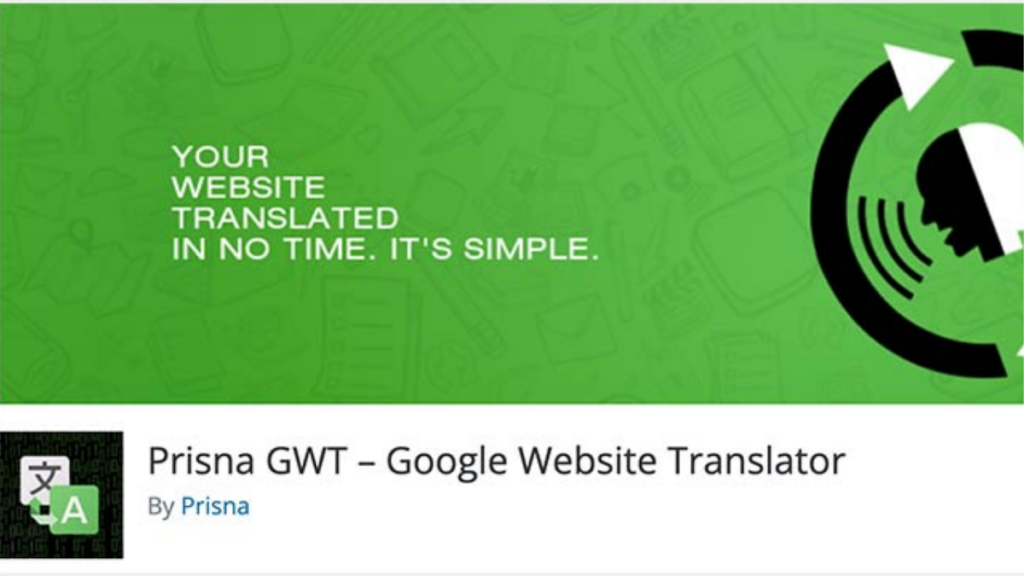
Google Website Translator offers a quick way to translate WordPress content using Google’s powerful machine translation technology. It is ideal for users who want instant multilingual support without complex setup. The plugin integrates easily and provides automatic translations for visitors, making it suitable for blogs and informational websites. While it lacks deep manual control, it excels in speed and ease of use. Website owners can display a language switcher and allow users to choose their preferred language. For basic multilingual needs, it delivers fast results with minimal configuration.
Key Features :
- Automatic machine translation using Google’s language engine
- Easy integration with WordPress themes and layouts
- Front-end language switcher for user convenience
- Supports multiple global languages instantly
- Minimal setup, suitable for beginners and small sites
Loco Translate
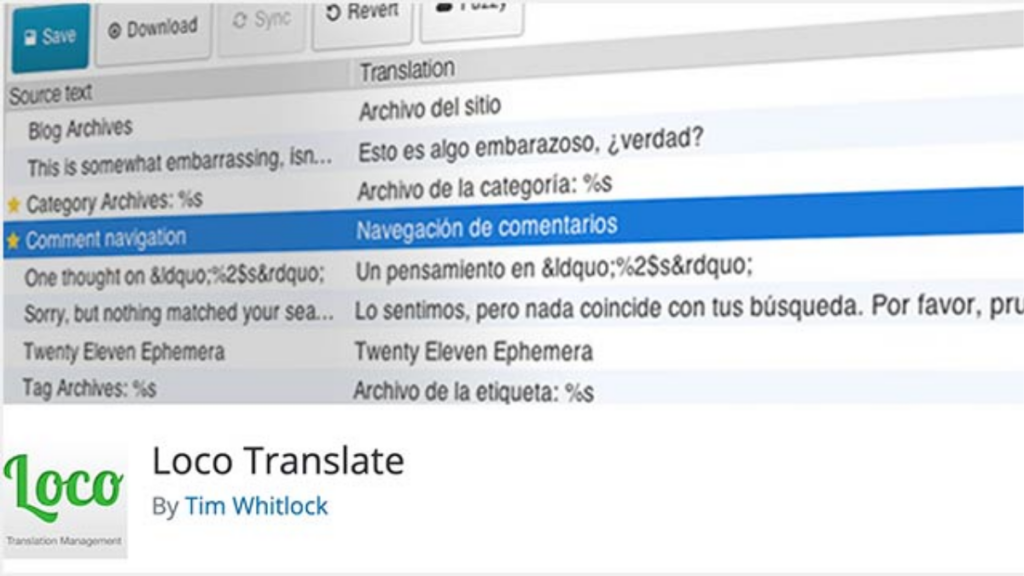
Loco Translate focuses on translating WordPress themes and plugins directly from the dashboard. It is particularly useful for developers and site owners who want precise control over language files without relying on third-party services. The plugin works well with custom themes and localized plugins. It allows in-browser editing of translation files and supports manual translation workflows. This makes it ideal for websites requiring accuracy and customization. However, it is more technical and better suited for users familiar with WordPress file structures.
Key Features :
- Translate themes and plugins within WordPress dashboard
- Supports PO and MO file editing directly
- No external API or service dependency
- Ideal for developers and advanced users
- Works well with custom and premium themes
Multilanguage Translation
Multilanguage Translation plugins provide structured tools to create and manage multilingual content efficiently. As a best wordpress plugins for translation option for content-heavy websites, it allows users to assign languages to posts, pages, and categories with ease. these plugins typically support both manual and assisted translation workflows. They are suitable for businesses targeting multiple regions and languages while maintaining control over content quality and structure across the site.
Key Features :
- Manual language assignment for posts and pages
- Structured multilingual content management
- SEO-friendly language handling options
- Supports menus, widgets, and taxonomies
- Flexible setup for growing multilingual sites
Polylang
Polylang is a popular choice for creating multilingual WordPress websites without automatic translation. It allows users to write content in different languages and link translations manually, offering full control over quality and tone.The plugin integrates smoothly with most themes and supports custom post types. It is lightweight and SEO-friendly, making it suitable for websites focused on organic traffic and content accuracy.
Key Features :
- Manual translation with full content control
- SEO-friendly URLs and language structure
- Compatible with custom post types and taxonomies
- Lightweight and performance-optimized
- Free and premium versions available
Translate WordPress with GTranslate
GTranslate uses Google Translate technology to deliver automatic translations for WordPress websites. It is ideal for users seeking fast multilingual support without manual effort. The plugin offers both free and premium versions with enhanced SEO features.It integrates seamlessly with themes and provides customizable language switchers. While automatic translations may need refinement, it is effective for expanding reach quickly and affordably.
Key Features :
- Automatic translation powered by Google Translate
- SEO-friendly options in premium version
- Customizable language switcher styles
- Supports multiple global languages
- Easy setup with minimal configuration
Weglot
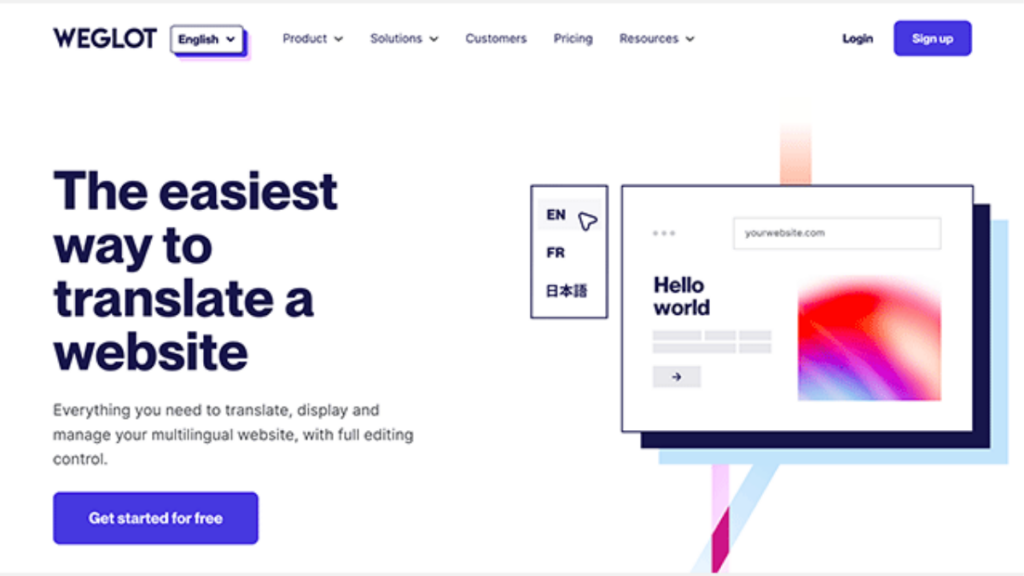
Weglot is a cloud-based solution considered a best wordpress plugins for translation choice for businesses and eCommerce websites. It automatically translates content while allowing manual editing through a visual interface, combining speed with accuracy.The plugin handles multilingual SEO, including hreflang tags and indexed URLs. Its seamless integration with WordPress makes it suitable for scaling multilingual websites without technical complexity.
Key Features :
- Automatic and manual translation editing
- Built-in multilingual SEO optimization
- Visual translation interface
- Compatible with WooCommerce and themes
- Cloud-based performance optimization
TranslatePress
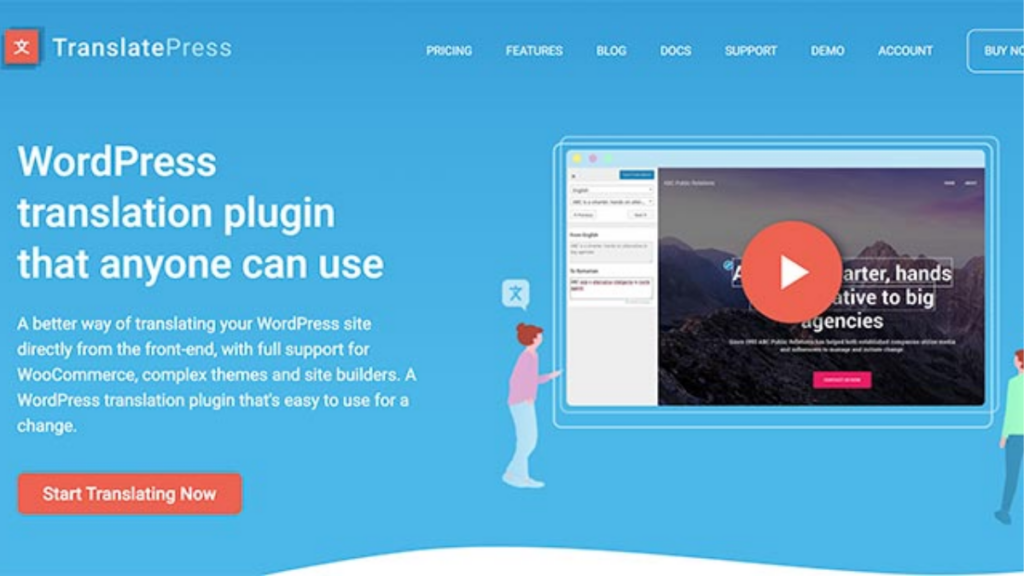
TranslatePress offers a visual translation approach, allowing users to translate content directly from the front end. It supports both manual and automatic translations, making it beginner-friendly and flexible for growing websites.The plugin works well with page builders and block editors, ensuring all elements are translated accurately. It is ideal for users who want real-time previews and precise control over multilingual content.
Key Features :
- Front-end visual translation editor
- Supports manual and automatic translation
- Compatible with page builders and block editor
- SEO-friendly multilingual setup
- User-friendly interface for beginners
Best Translation Plugin for WordPress Based on Use Case
- Best for Beginners : Beginners benefit most from translation plugins that offer clean dashboards, step-by-step setup wizards, and visual translation editors. These tools make it easy to translate content without coding or technical skills. When combined with a wp drag and drop page builder, beginners can manage layouts and translations together, achieving quick multilingual results with minimal effort.
- Best for SEO-Focused Websites : Websites targeting international audiences need translation plugins that support SEO essentials such as hreflang tags, translated URLs, and localized metadata. These features help search engines understand language variations and improve rankings. Such plugins ensure each language version performs well in search results across different regions.
- Best for Content-Heavy Blogs : For blogs with frequent publishing and editorial standards, manual translation plugins are ideal. They allow full control over tone, context, and accuracy, ensuring content quality remains consistent across languages. This approach works best when precision and reader trust matter more than translation speed.
- Best for Business and eCommerce Sites : Growing businesses and online stores require advanced translation plugins that integrate with WooCommerce and handle dynamic content smoothly. These plugins support automatic translation, scalability, and product-specific language settings, making them suitable for managing large catalogs and international customers efficiently.
- Best for Budget-Conscious Users : Free or freemium translation plugins are a practical choice for small websites or startups. They provide essential multilingual features without upfront costs and allow upgrades as traffic and language needs grow, offering flexibility without financial strain.
Conclusion
The right translation solution is a critical decision that influences user experience, international visibility, and long-term website growth. The Best WordPress Plugins for Translation users choose today provide a wide range of capabilities, from fast automatic translations to precise, manually controlled multilingual setups optimized for SEO. Each plugin serves a different purpose, making it essential to evaluate your content volume, language requirements, and technical expertise before deciding. When the plugin aligns with your website goals, it becomes easier to manage multilingual content while maintaining performance and consistency.
As WordPress continues to advance, multilingual functionality is no longer optional for brands aiming to compete globally. Pairing a reliable translation plugin with well-optimized themes, performance enhancements, and a trusted WordPress Theme Bundle creates a future-ready website foundation. A thoughtfully translated site builds credibility, improves engagement across regions, and helps businesses connect with wider audiences. Ultimately, investing in the right translation strategy transforms multilingual support from a basic feature into a powerful driver of growth and trust.
Frequently Asked Questions (FAQs)
The best translation plugin for WordPress is one that allows you to translate website content accurately while maintaining SEO structure. It supports multiple languages, integrates smoothly with themes and plugins, and helps manage translations from a single dashboard. A good plugin ensures both users and search engines can access localized content easily.
By making your content accessible in multiple languages, the plugin increases reach, improves engagement, and builds trust with international audiences, supporting long-term global expansion.
Yes, users can add as many languages as needed depending on their target audience. The plugin allows easy language switching and centralized management of translations for pages, posts, and custom content.
Yes, most plugins are compatible with popular Free WordPress Page Builder such as Elementor, Gutenberg, and WPBakery. This ensures that layouts, widgets, and dynamic content remain intact across different languages.
Leading translation plugins support WooCommerce products, categories, checkout pages, and emails. This allows online stores to sell products globally while offering a localized shopping experience for international customers.